
Order lifecycle
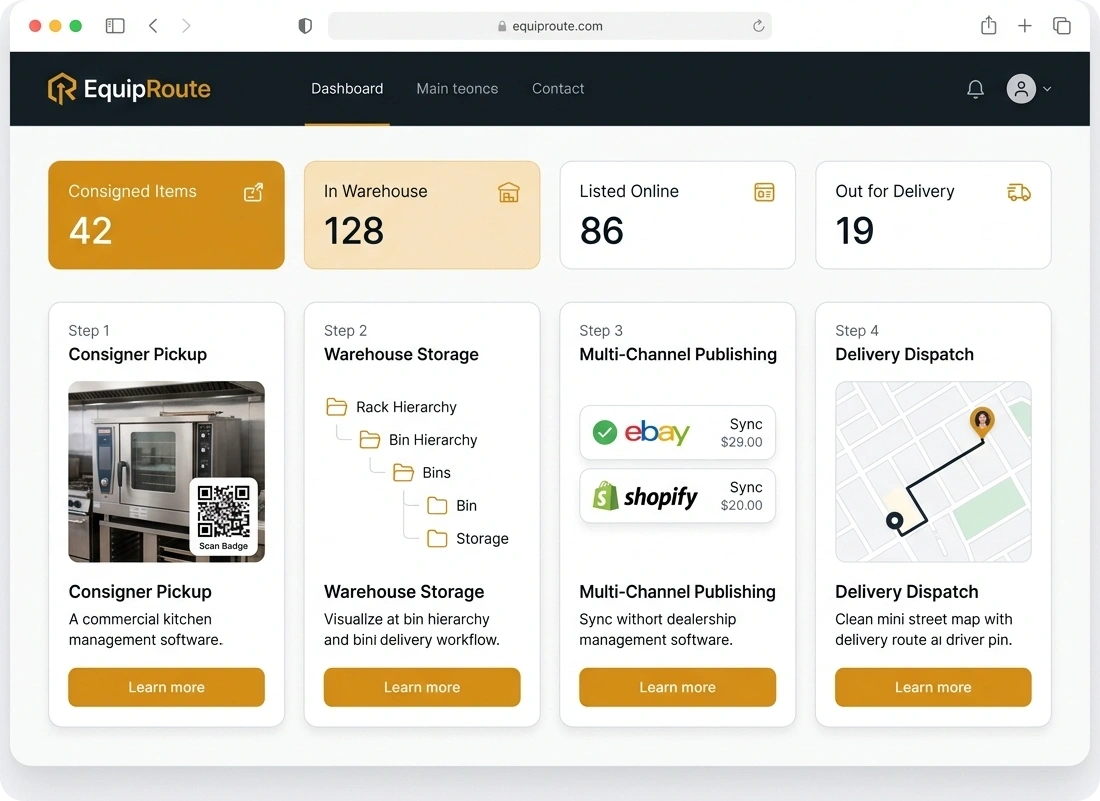
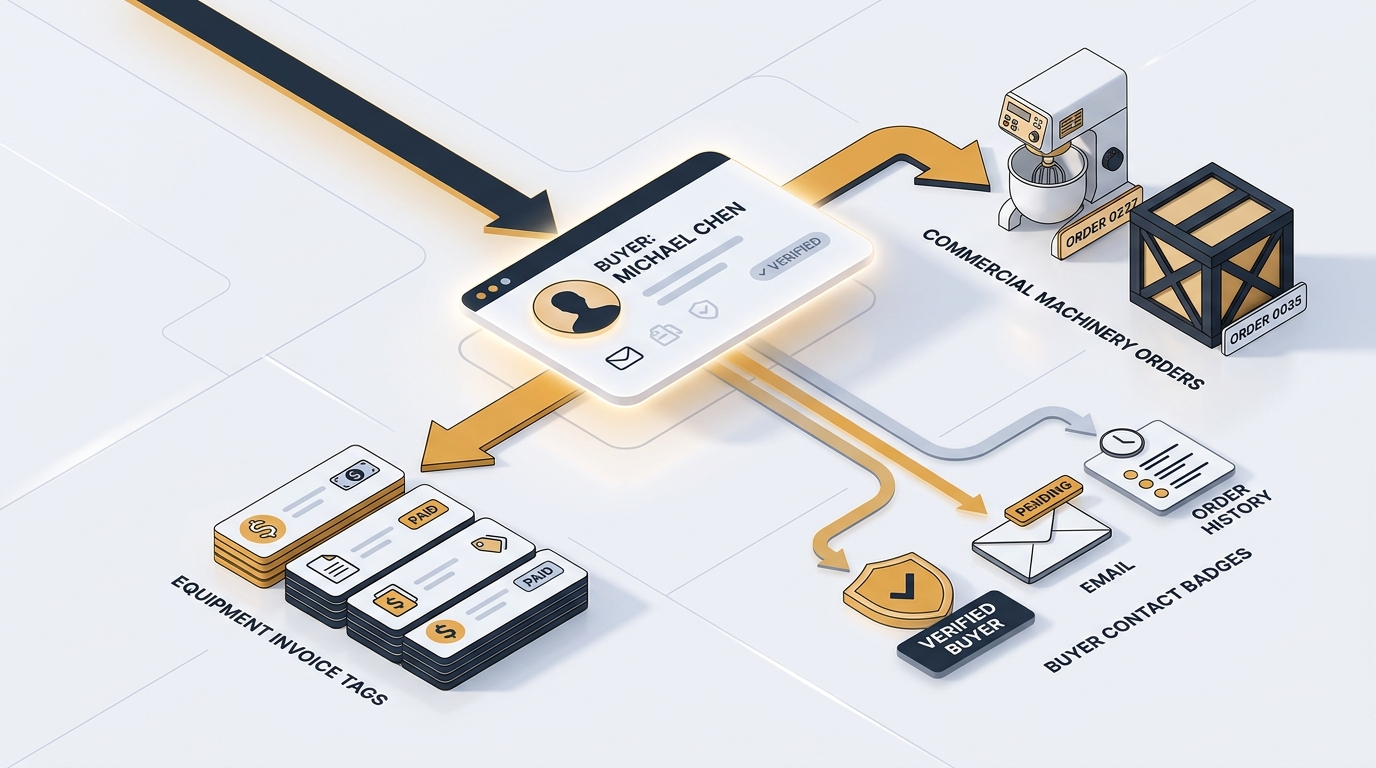
Follow each order from invoice through packing, payment, and delivery in one warehouse workflow, complete with buyer details and a full activity trail.
Follow these sequential steps in EquipRoute to execute your workflow smoothly and keep inventory accurate.
When an invoice is created, it automatically appears in the system. Go to the Sales section from the main navigation menu and select Invoices. Here, you will find a complete list of all generated invoices across your operations.
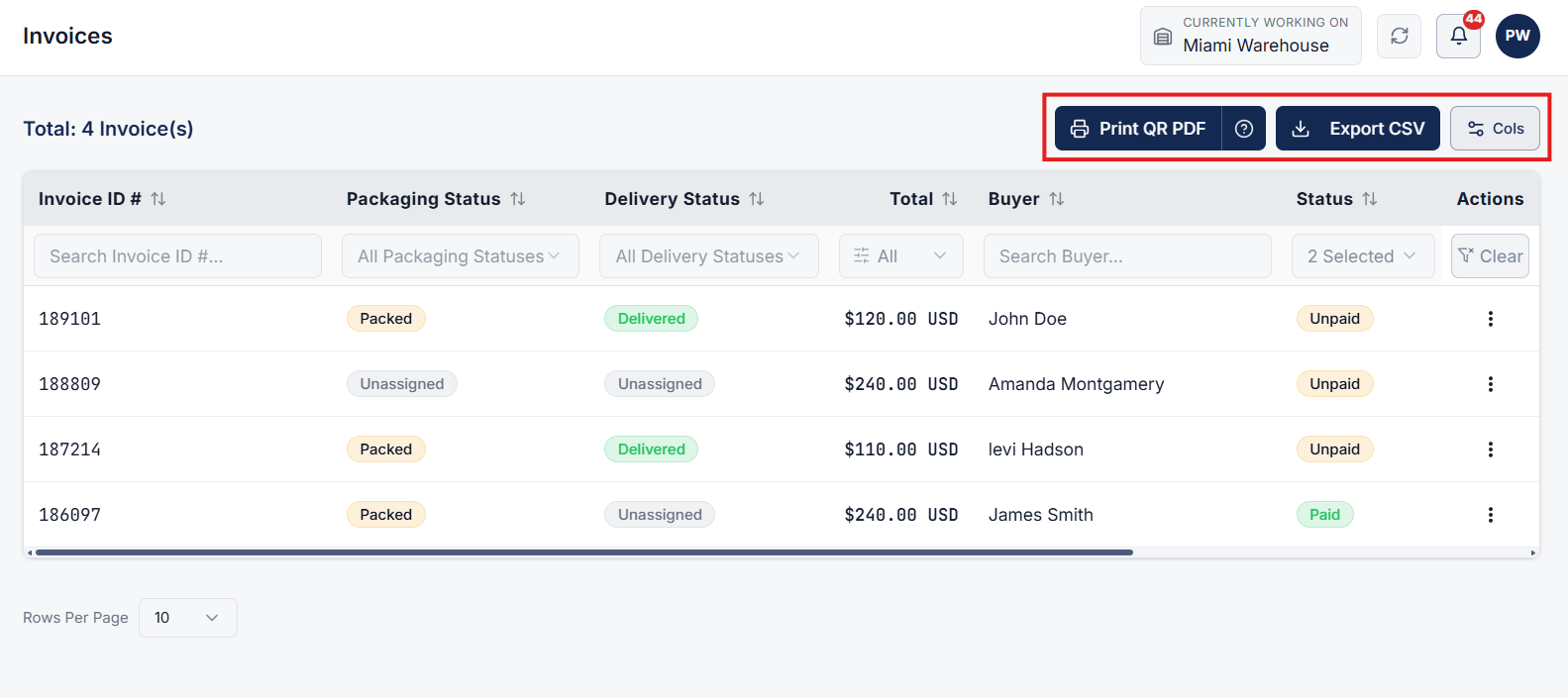
On the Invoices page, review your active invoice list. You can perform quick bulk or individual actions:
Click on any invoice row from the list to navigate to its dedicated Invoice Details page. This page presents an all-in-one view of the order's operational lifecycle and status.
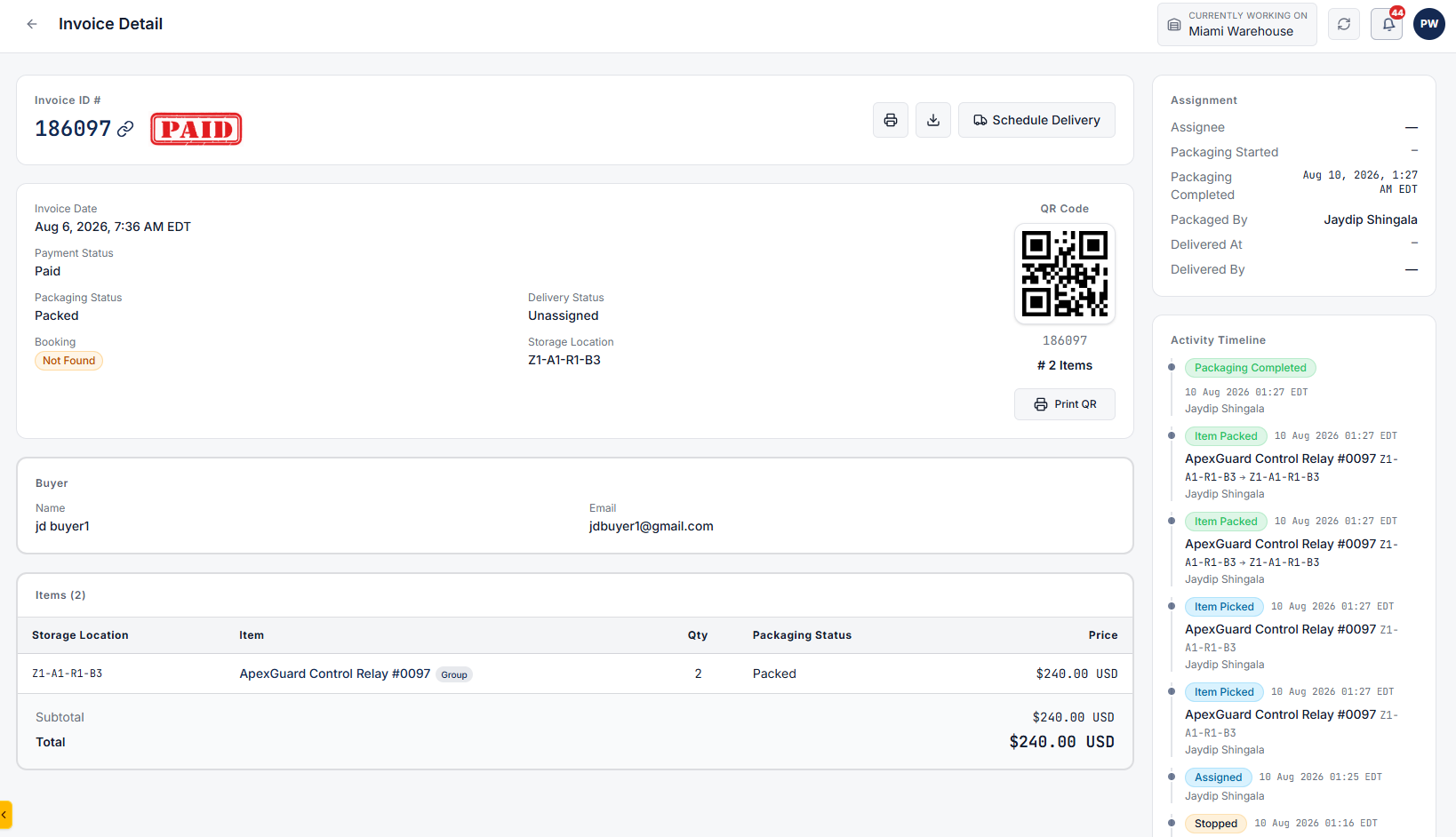
From the Invoice Details page, you can:
Review invoice governance and chronological audit history:
Clear answers on how this feature integrates into your daily equipment workflow.
Open Sales, then Invoices. Click a row to see payment, packing, and delivery status plus the buyer and delivery address.
Yes. Print from the list or export invoice records to CSV. From the invoice page you can also download a PDF.

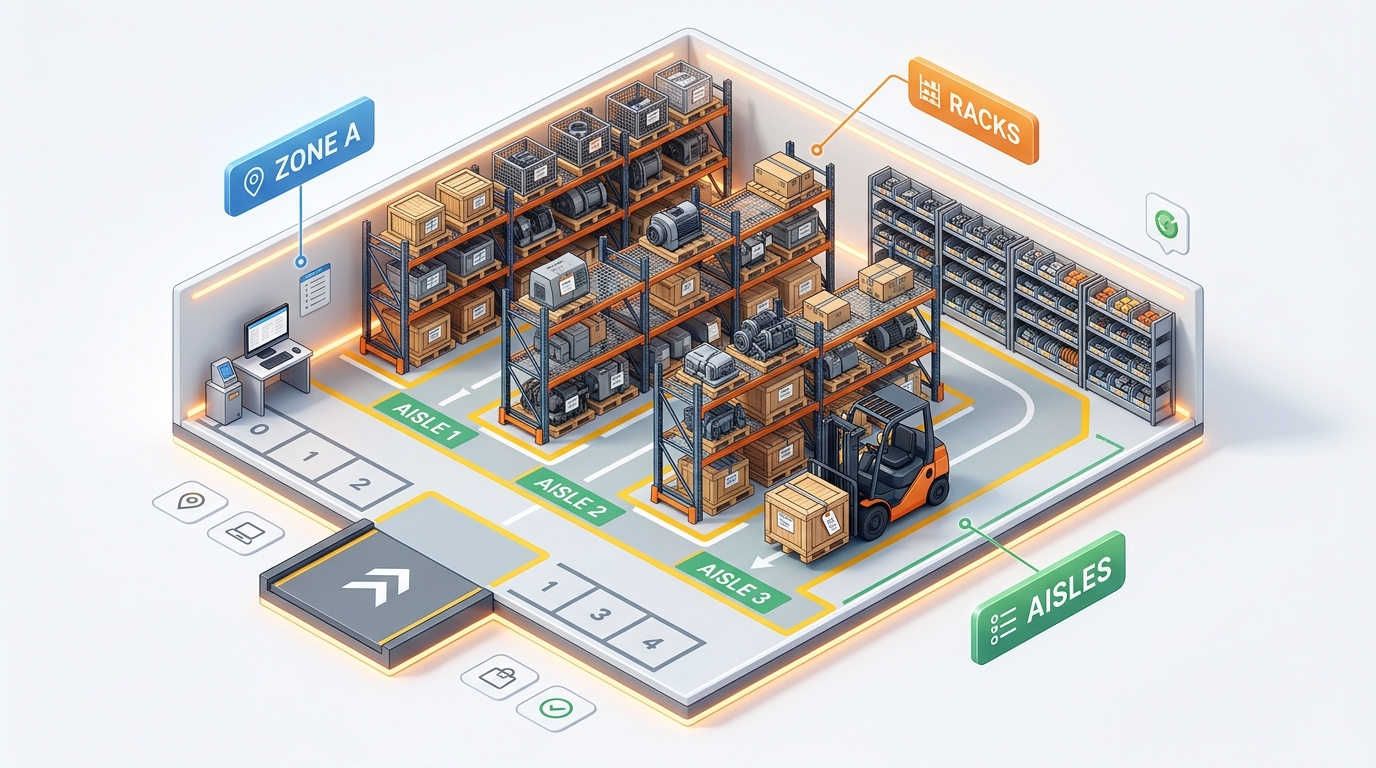
Stand up bins, racks, and aisles in one CSV import instead of adding them one by one.
See the whole flow, from consigner pickup through warehouse, listing, and delivery, in a personalized live demo.