
Buyer management
Keep buyer information connected to orders and warehouse execution so teams have full context while working.
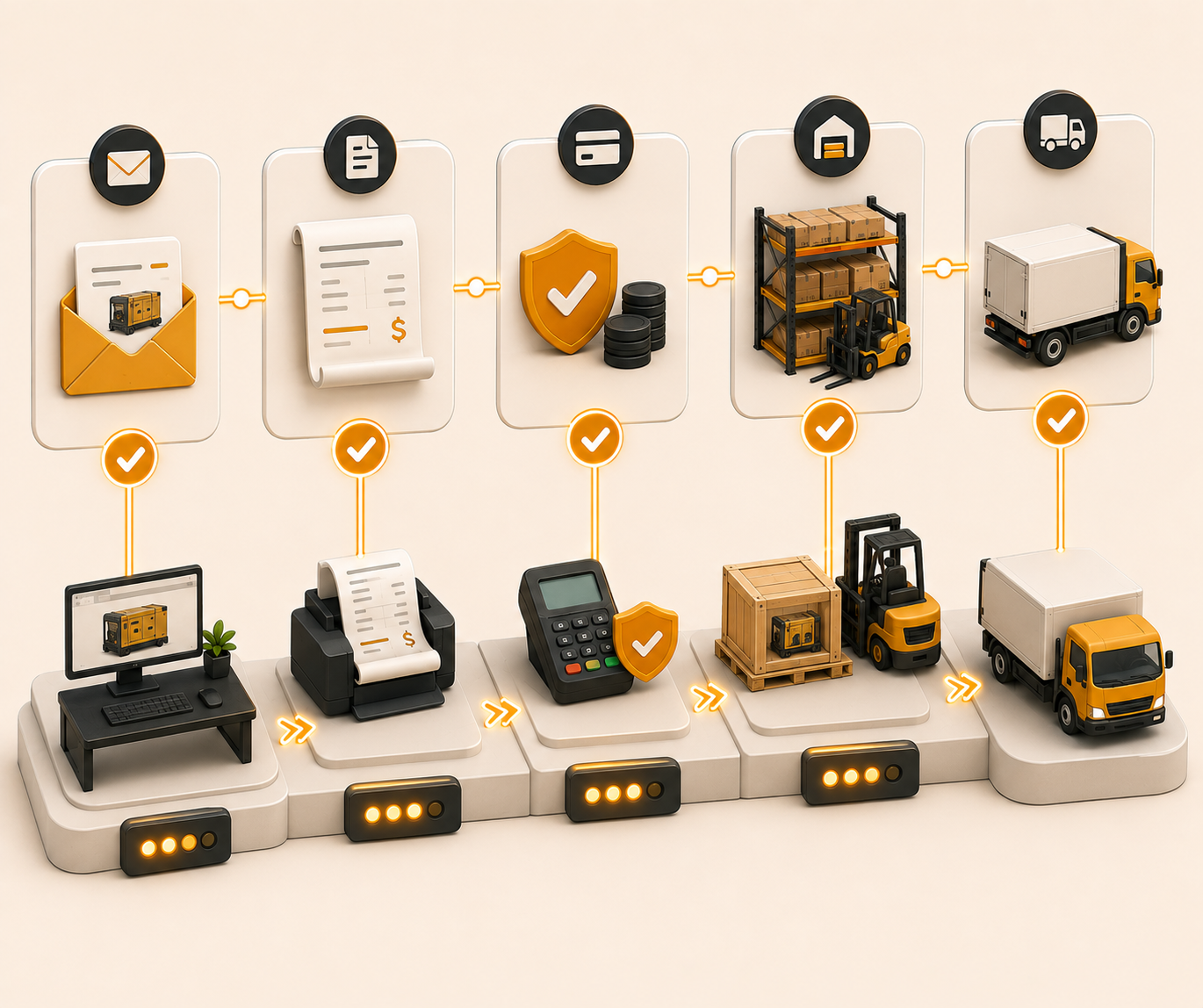
Follow these sequential steps in EquipRoute to execute your workflow smoothly and keep inventory accurate.
When an invoice is created in EquipRoute, the buyer's details are automatically captured and stored in the system. There is no need for manual entry, as buyer information updates seamlessly as invoices are processed.
To view and manage buyer data, go to the Sales section in the main menu and select Buyers.
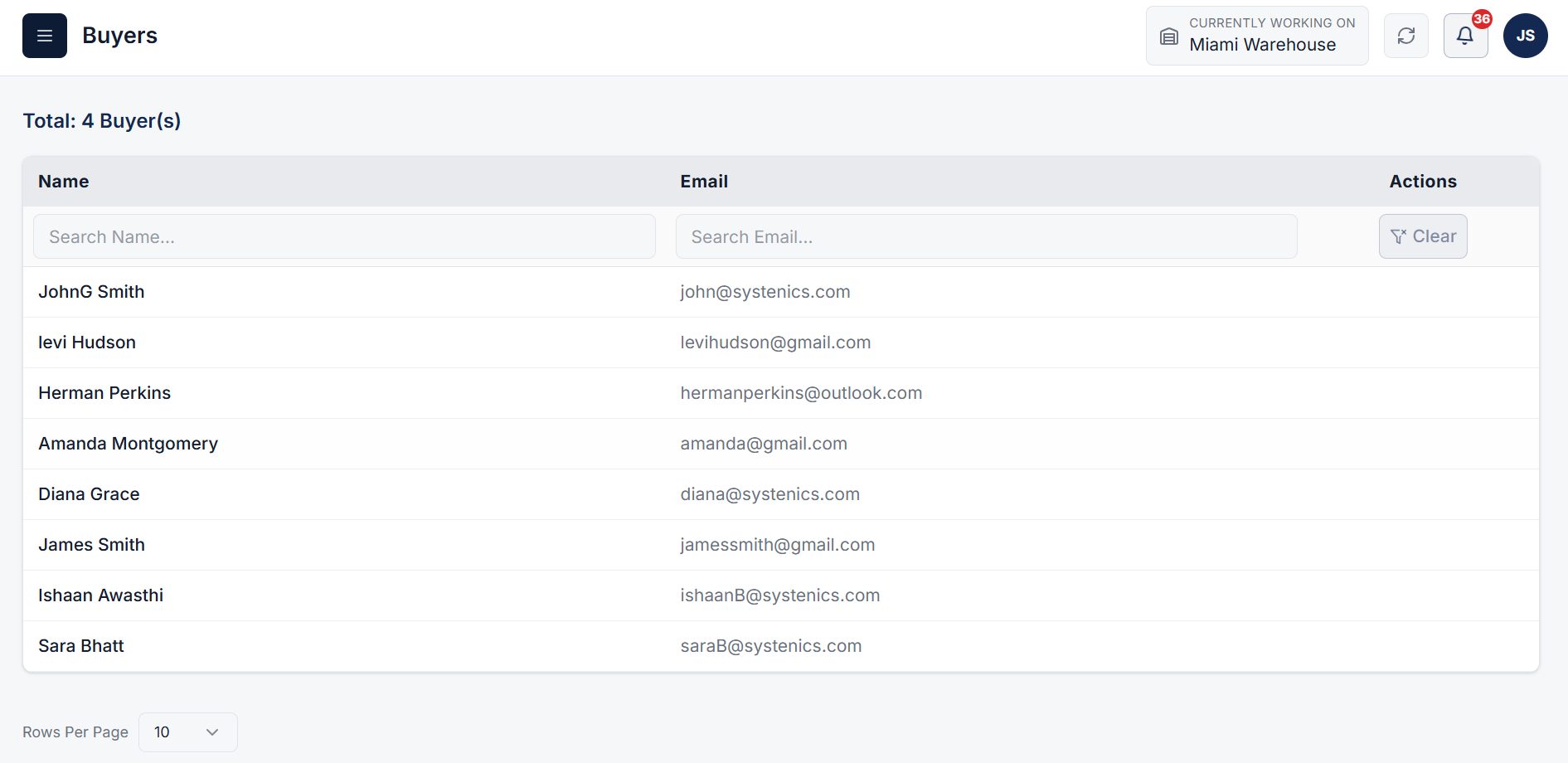
On the Buyers page, you can access the complete list of buyers along with key contact details, including:
Clear answers on how this feature integrates into your daily equipment workflow.
No. Creating an invoice captures the buyer automatically. EquipRoute stores the name and email and keeps the directory in sync as invoices process.
The Buyers page lists every buyer with name and email. Search either column to find a contact when you are working an order or invoice.

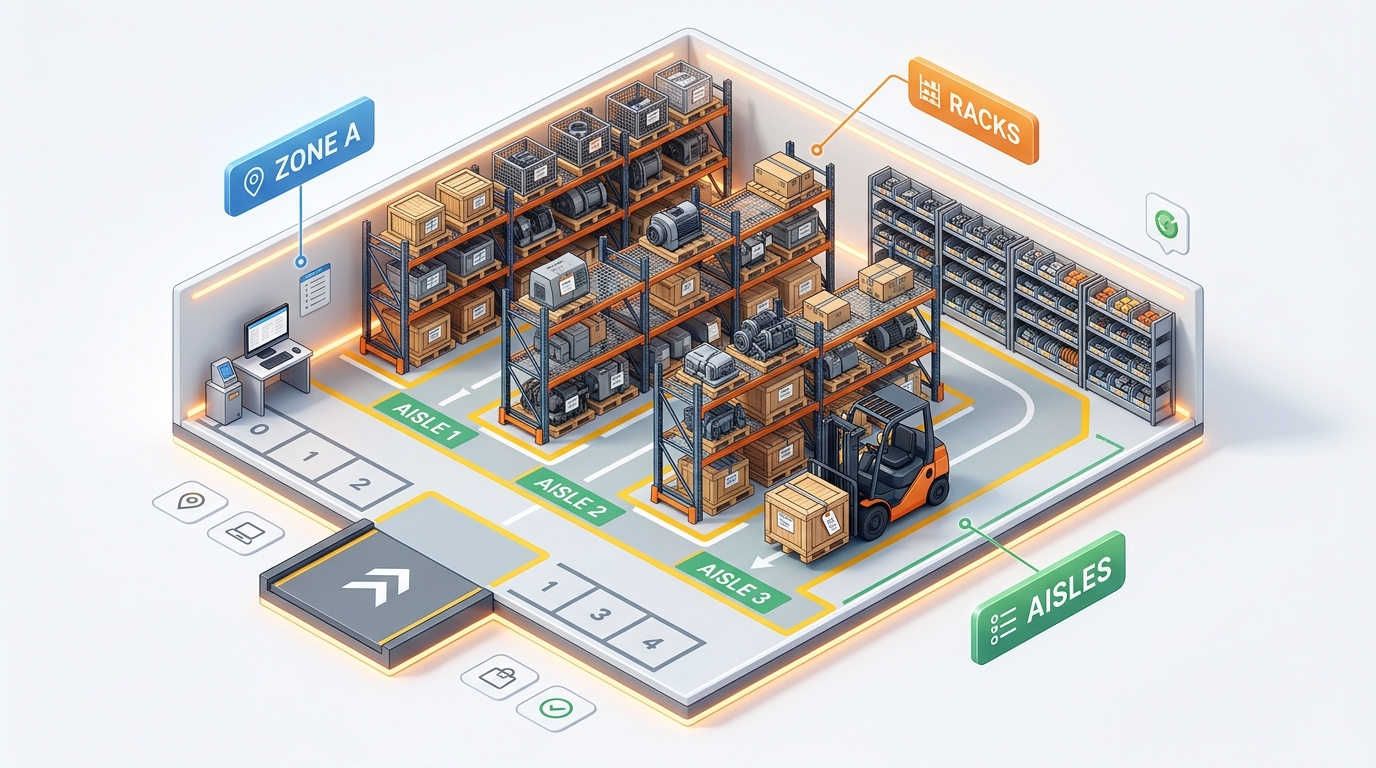
Stand up bins, racks, and aisles in one CSV import instead of adding them one by one.
See the whole flow, from consigner pickup through warehouse, listing, and delivery, in a personalized live demo.