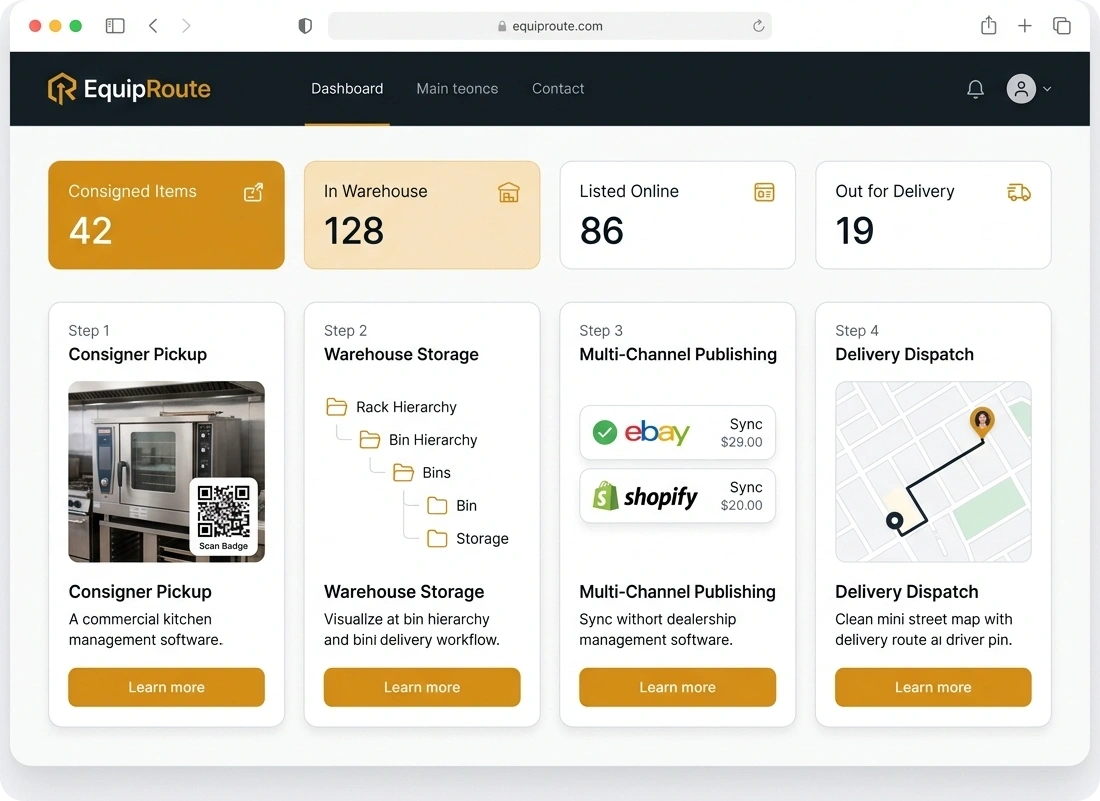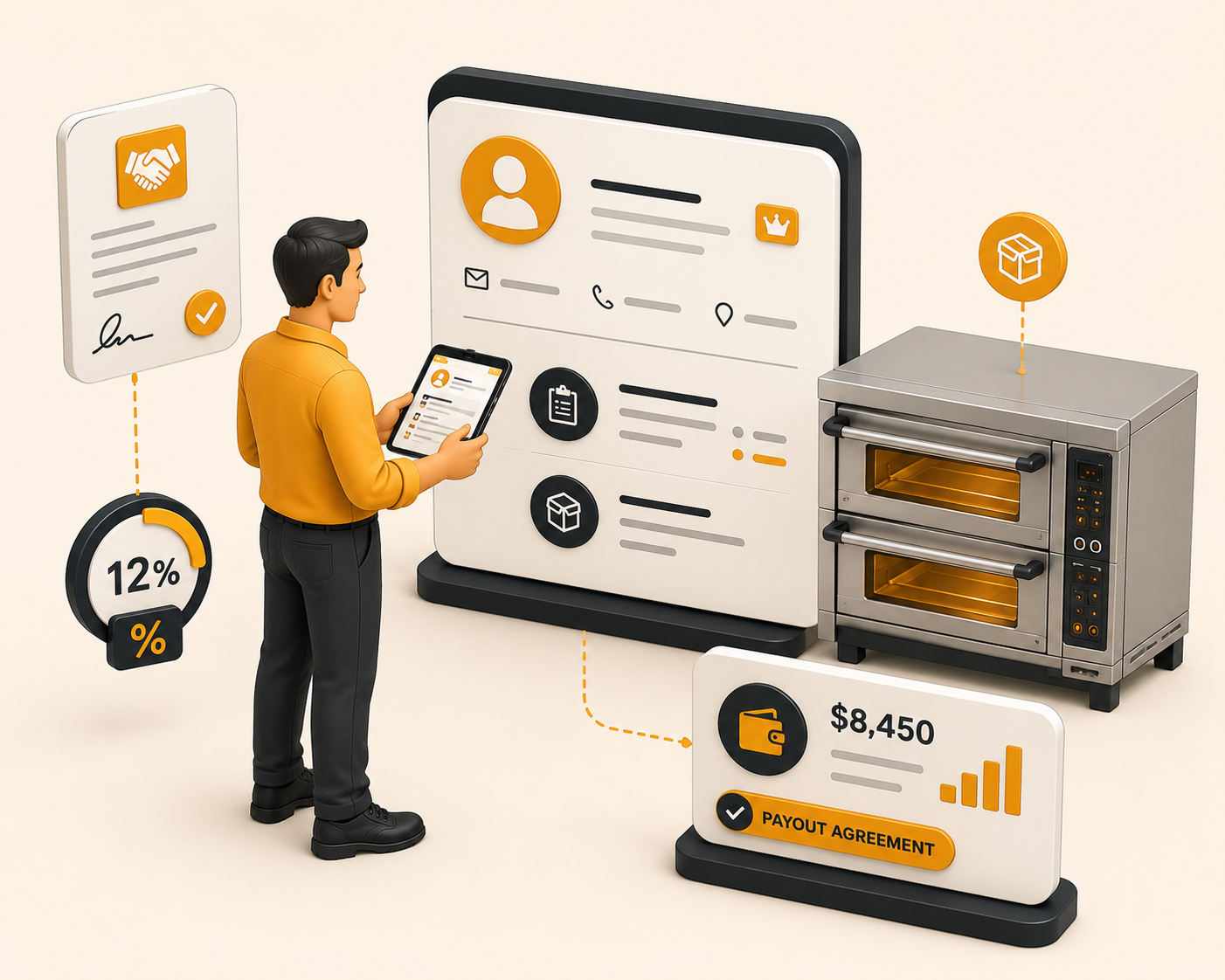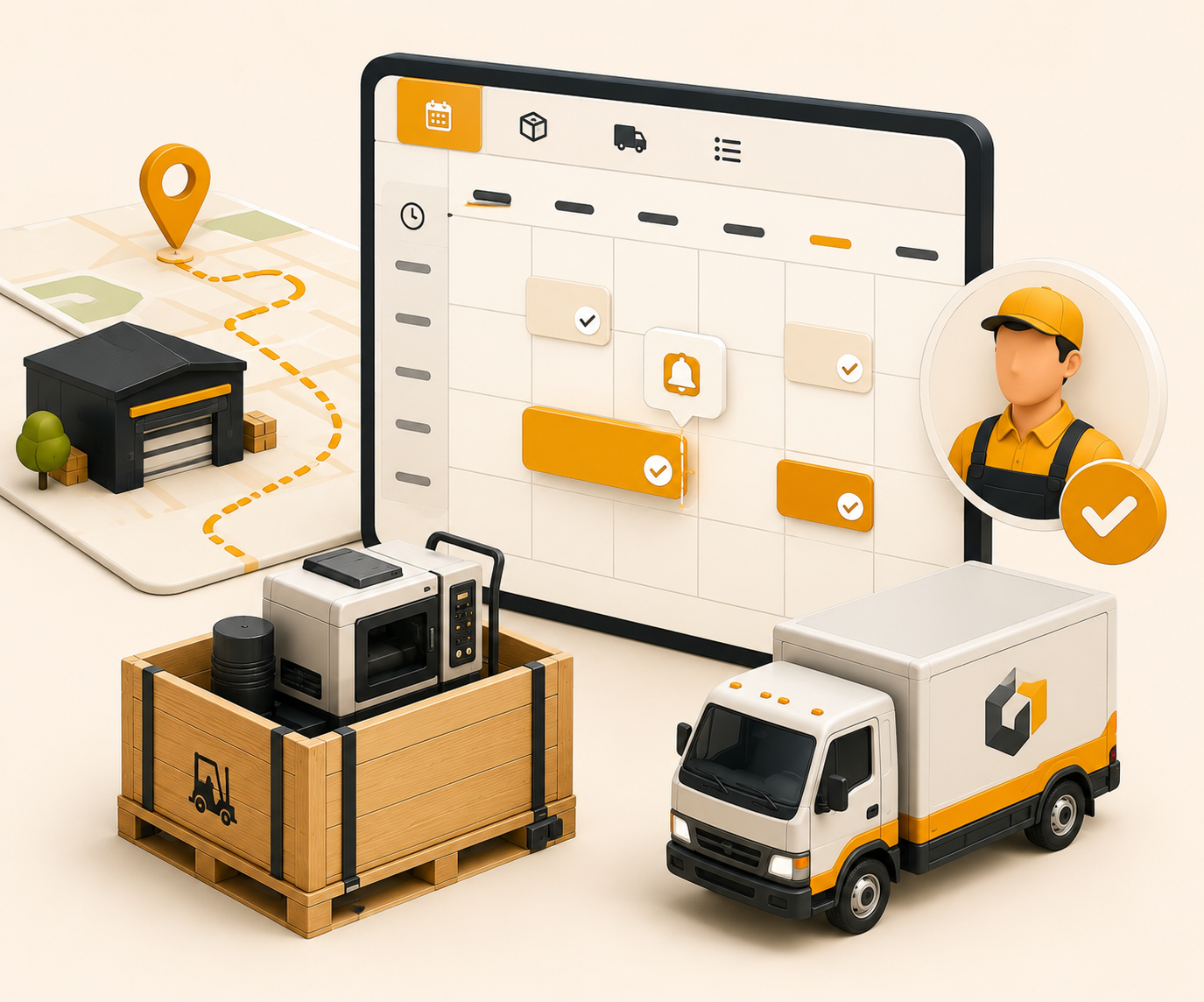

Consigner pickup
Drivers see today's pickup jobs, photograph items on site, and collect a signature or ID. Stock is added when the job is marked delivered.
Follow these sequential steps in EquipRoute to execute your workflow smoothly and keep inventory accurate.
When a new consignment pickup job is assigned to the driver, they will receive a notification on their mobile device. Click on the notification or navigate to the My Jobs page.
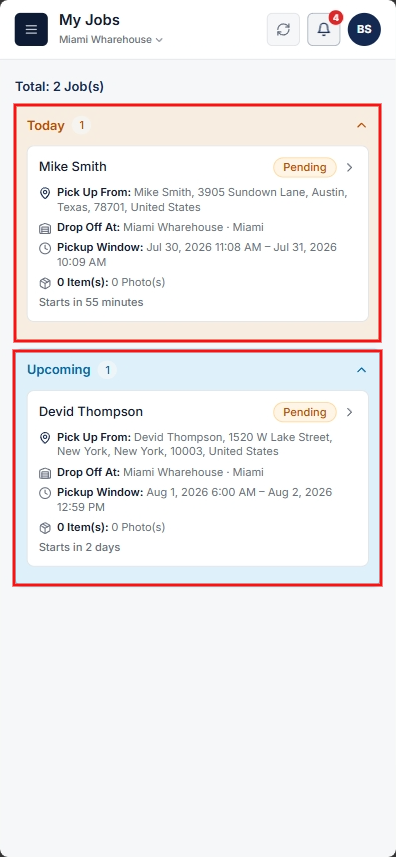
Select the required consignment pickup job to open the Pickup Details page. Review the job details, then click Start Pickup to begin the process.
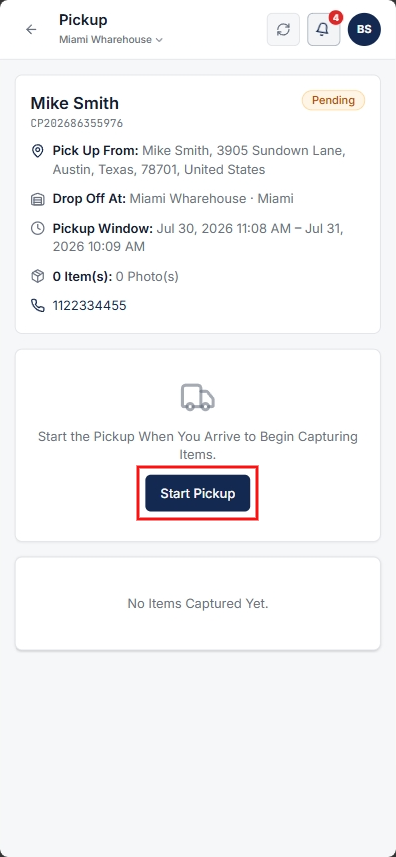
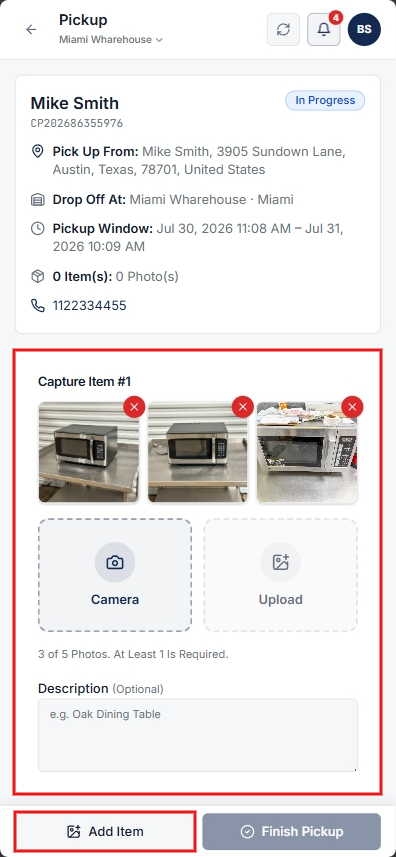
Scroll down to the Capture Items section to record item details:
Once item photos and notes are recorded, tap Add Item to save the item details. Drivers can add multiple items for the pickup as needed.
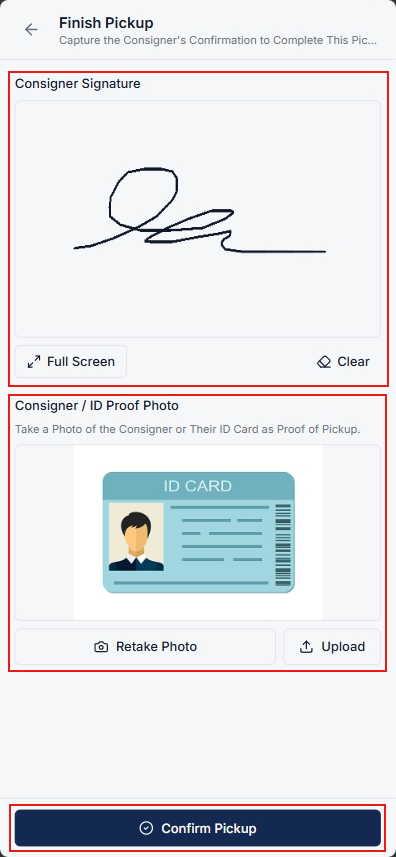
After all consignment items are collected, tap Finish Pickup. If asked for Signature or ID Proof:
Once verification details are complete, tap Confirm Pickup to submit and finalize the consignment pickup.
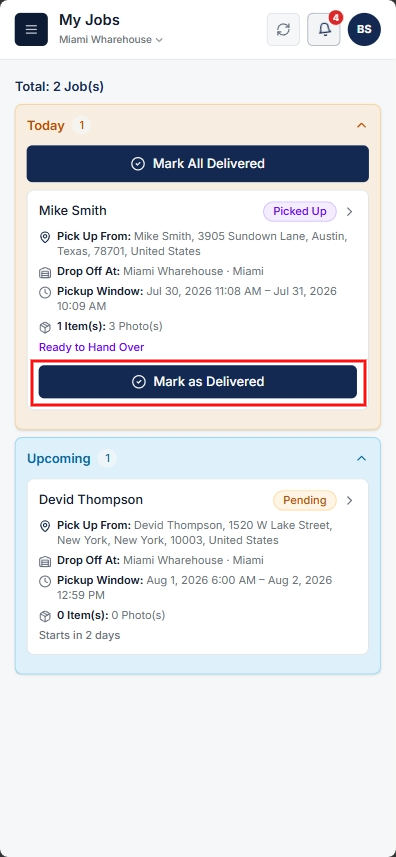
After completing the pickup and returning to the facility, locate the job record and tap Mark as Delivered to complete the final delivery workflow at the warehouse.
Once the job is completed, the picked items from the consigner will be automatically added to the inventory.
Clear answers on how this feature integrates into your daily equipment workflow.
Assigned pickups show under Today, Upcoming, or Overdue in My Jobs. Opening a job shows stop details and equipment list. The driver starts pickup, adds photos and descriptions per item, then collects signature or ID proof before confirming.
After the driver returns to the warehouse and marks the job delivered. EquipRoute automatically creates inventory records for all captured items so they can be assigned storage locations and listed.
Yes. In the Capture Items section, drivers take photos and add notes for each item, clicking Add Item to save each unit before proceeding.
No. The driver workflow runs in mobile web browser or mobile app on iOS and Android devices with built-in camera and signature pad.

Add, edit, and manage custom fields with auto-generated API keys, display order, and required settings so the right fields appear in the right forms.
See the whole flow, from consigner pickup through warehouse, listing, and delivery, in a personalized live demo.