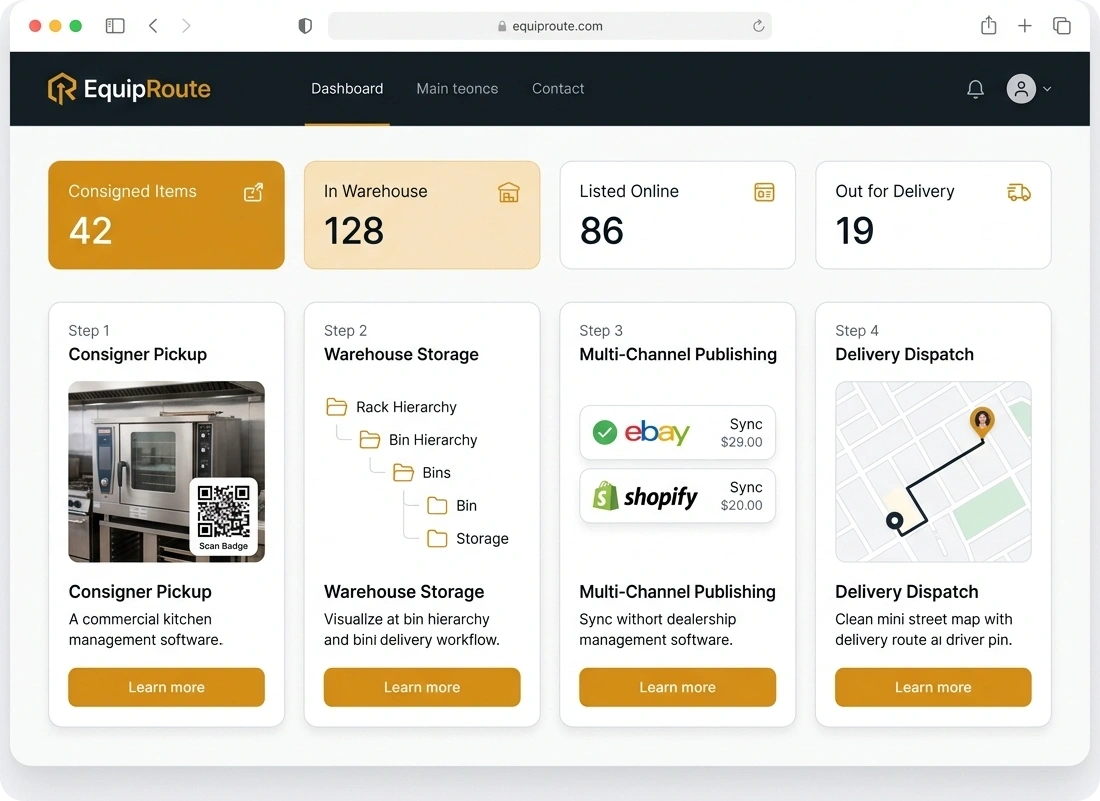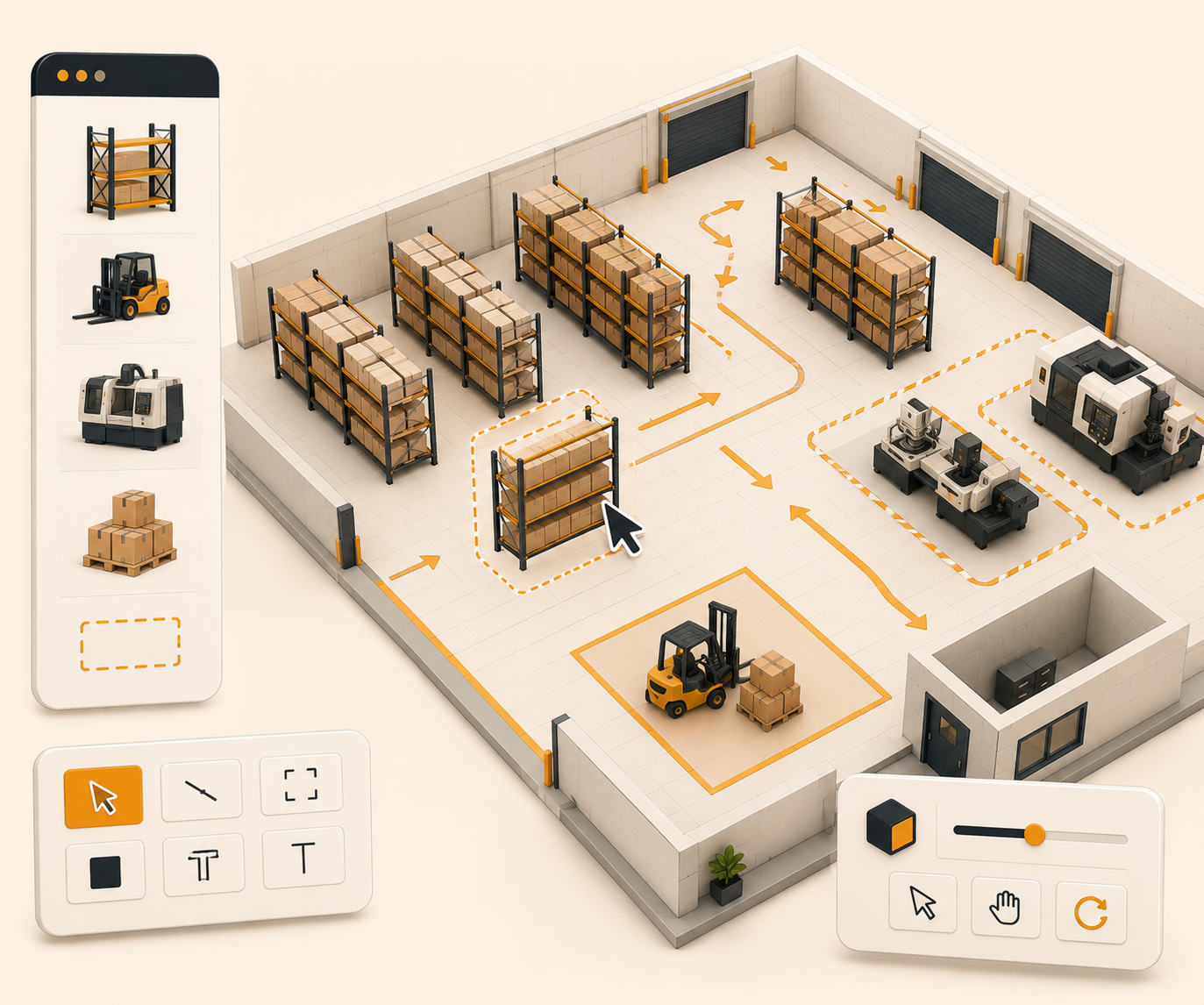

Real-time dashboard
See the warehouse numbers that matter in one place so the team can act as inventory, invoices, pickups, and staff work change.
Follow these sequential steps in EquipRoute to execute your workflow smoothly and keep inventory accurate.
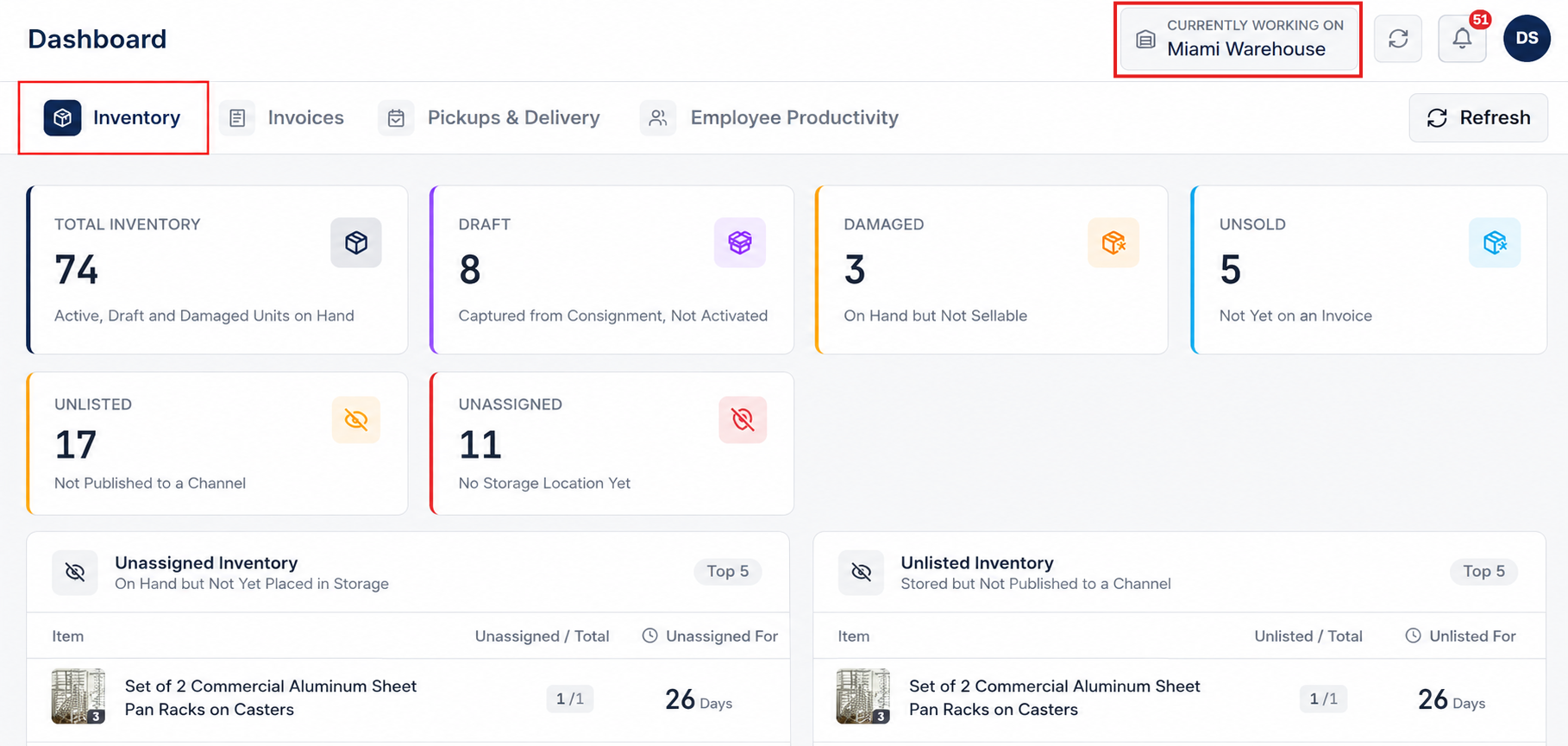
Go to Dashboard in the main navigation and select the Inventory tab. This view provides complete executive and operational visibility over physical inventory counts, storage assignments, and pending stock across all your facilities.
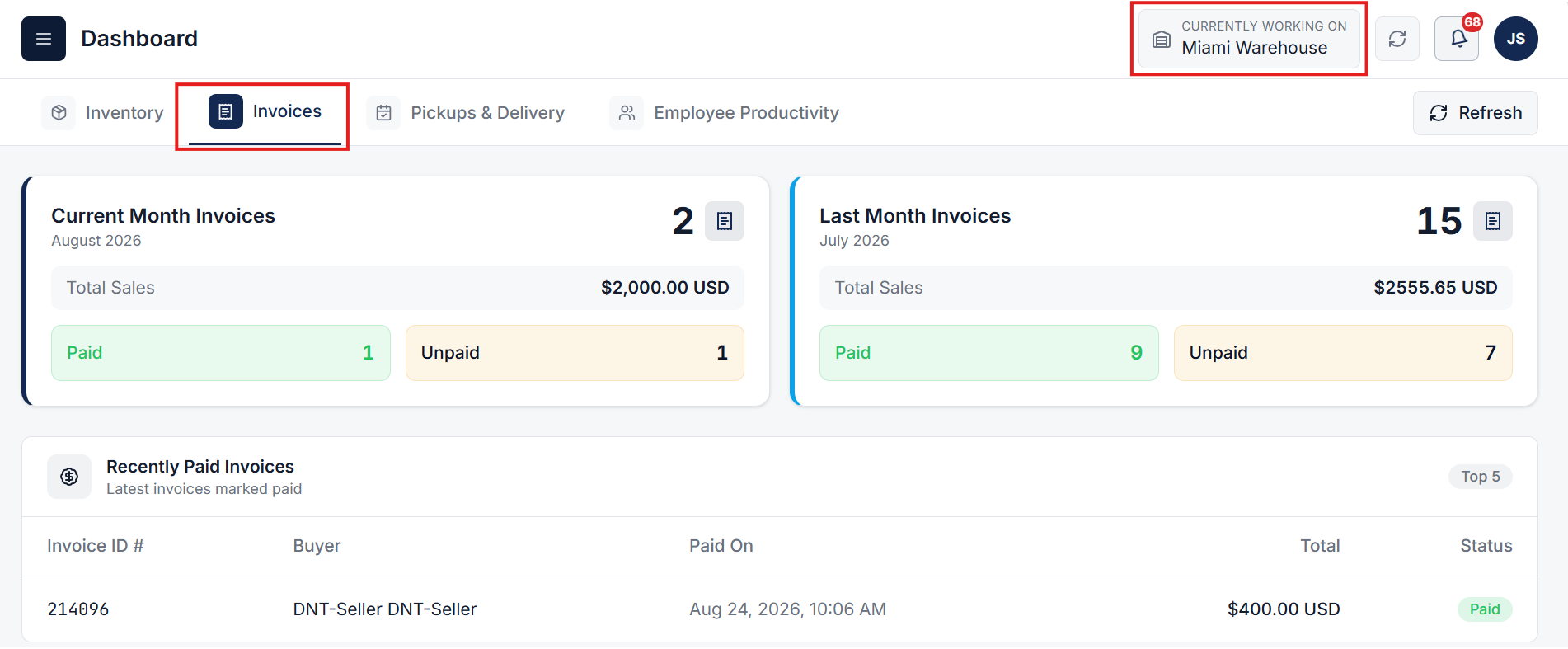
Switch to the Invoices tab on the Dashboard to analyze sales performance, track cash flow trends, and inspect recently paid transactions across your enterprise.
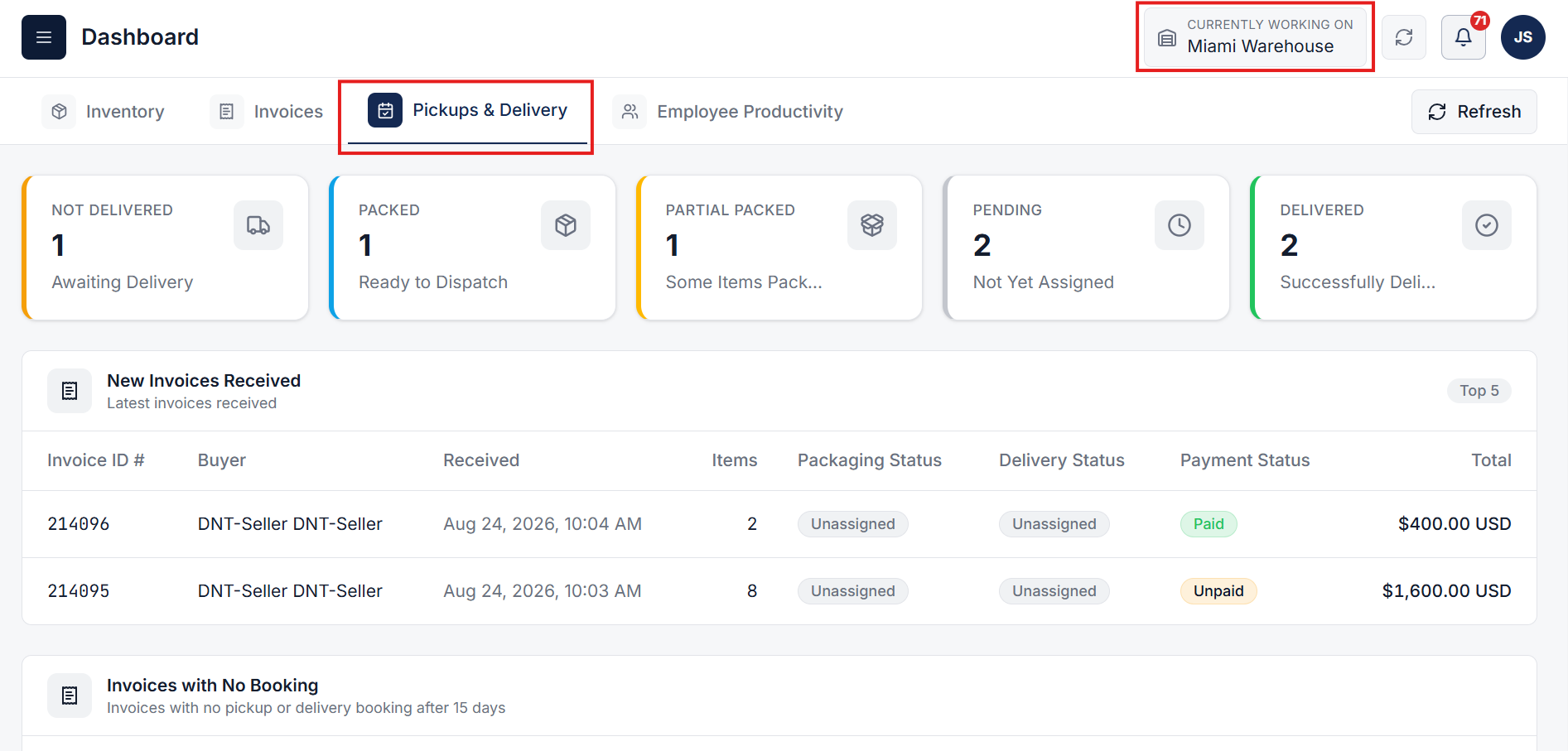
Select the Pickups & Delivery tab to manage fulfillment progress, track customer pickup bookings, and streamline outbound delivery operations.
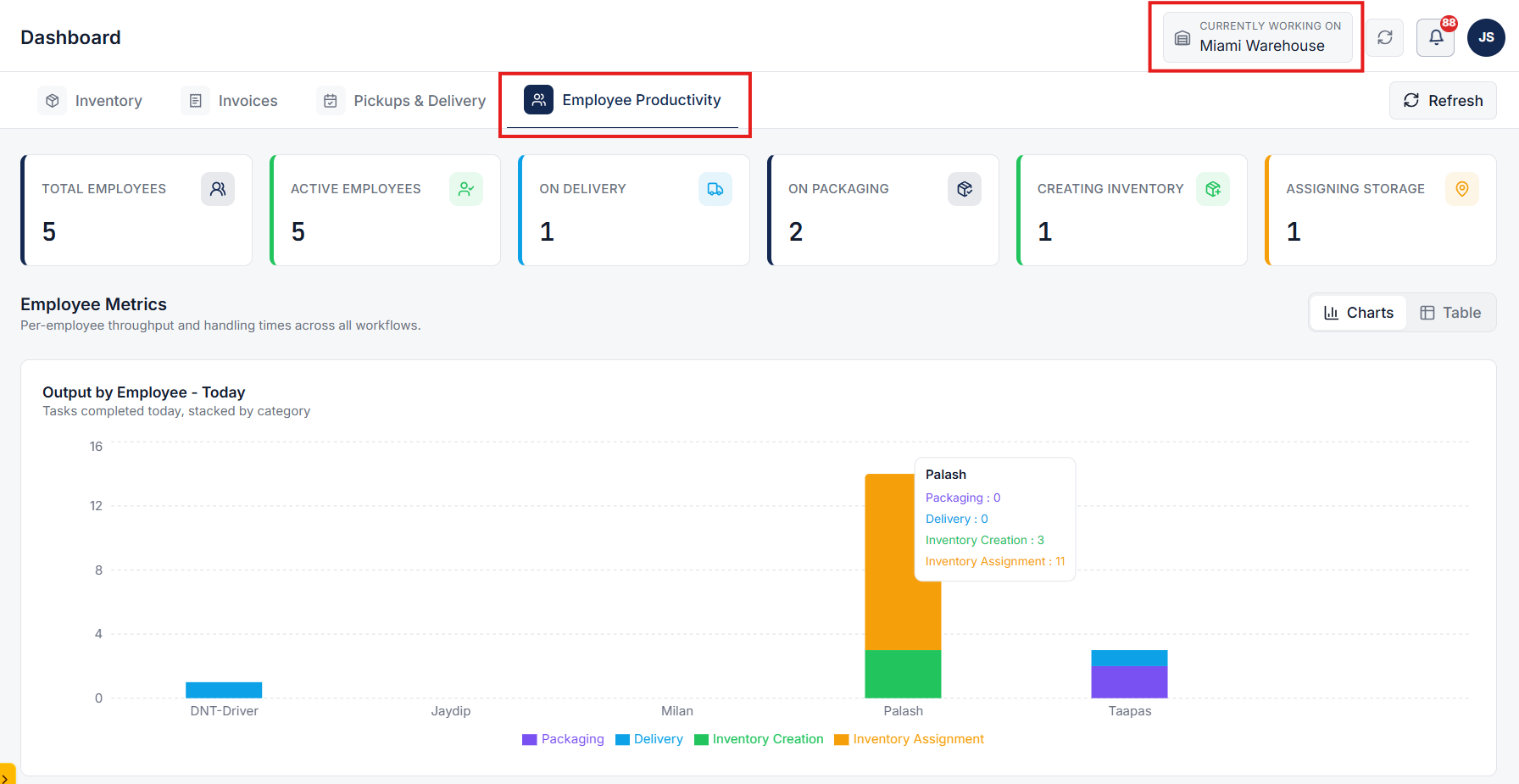
Navigate to the Employee Productivity tab to gain real-time visibility into staff presence, active job assignments, and task throughput across all warehouse workflows.
Clear answers on how this feature integrates into your daily equipment workflow.
Yes. Inventory, invoices, pickups, and staff activity feed the same view. Refresh when you need the latest counts instead of waiting on a nightly report.
Yes. Pick the warehouse from the dashboard. Counts and exception lists follow that site so you are not mixing locations.

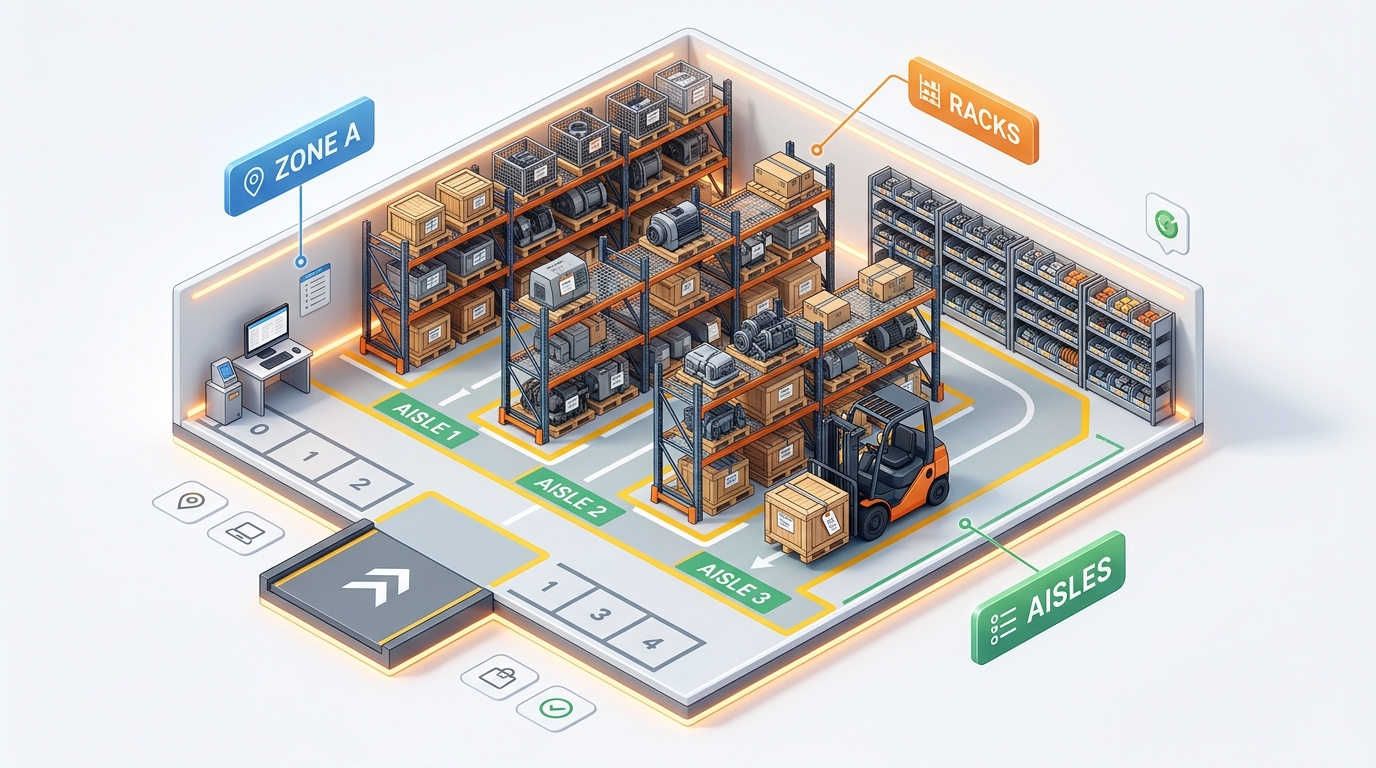
Stand up bins, racks, and aisles in one CSV import instead of adding them one by one.
See the whole flow, from consigner pickup through warehouse, listing, and delivery, in a personalized live demo.