
Multiple warehouses
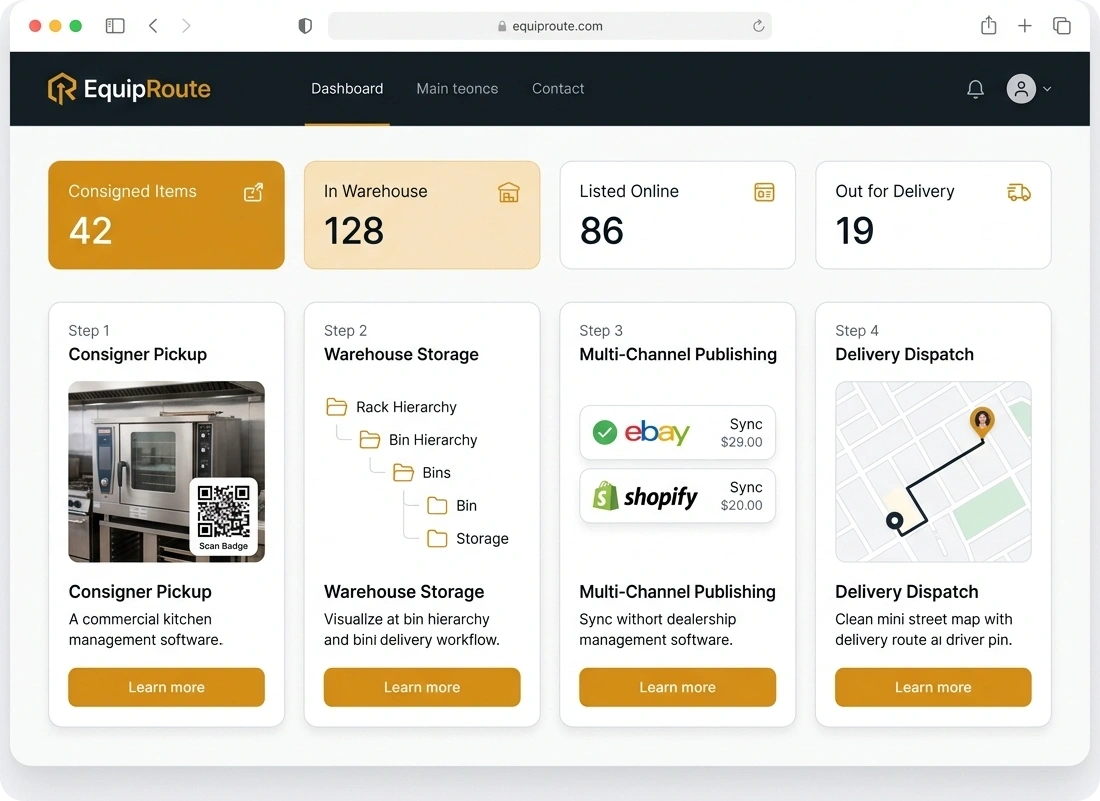
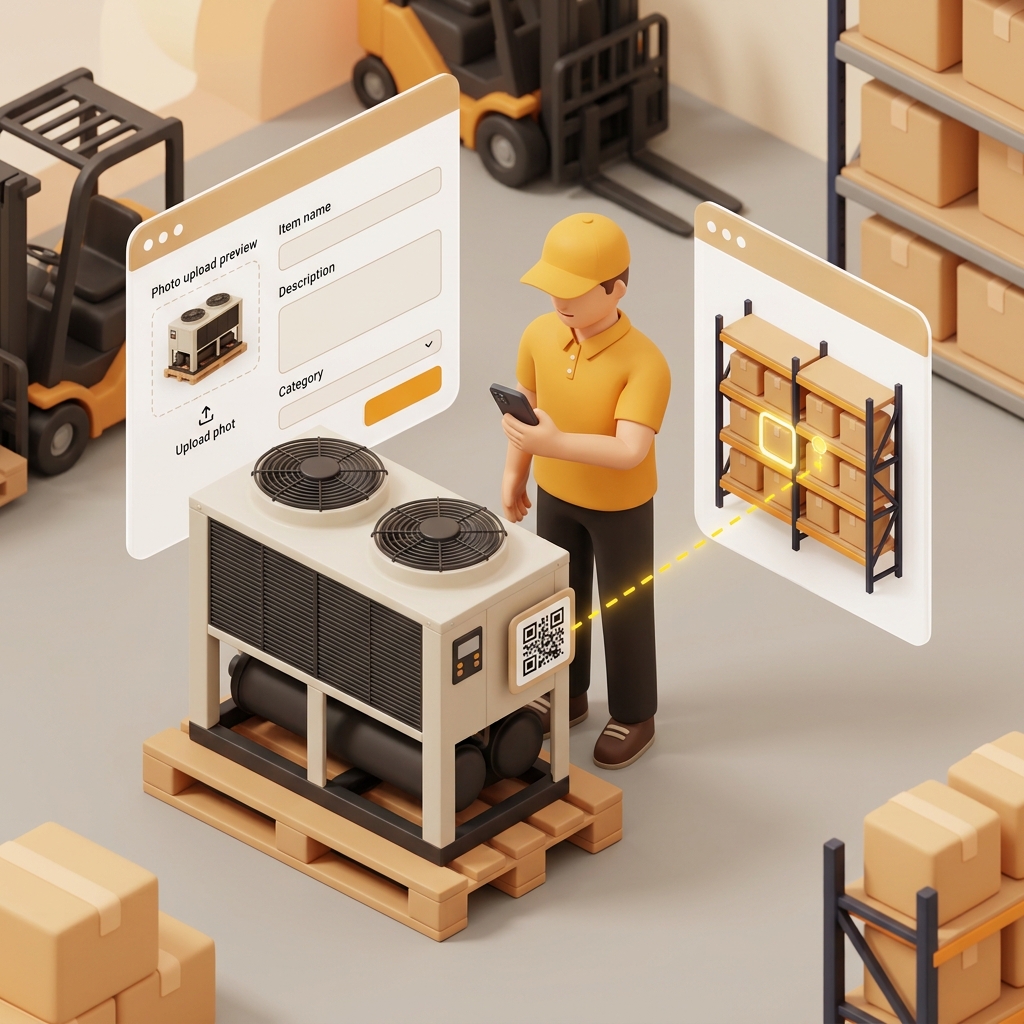
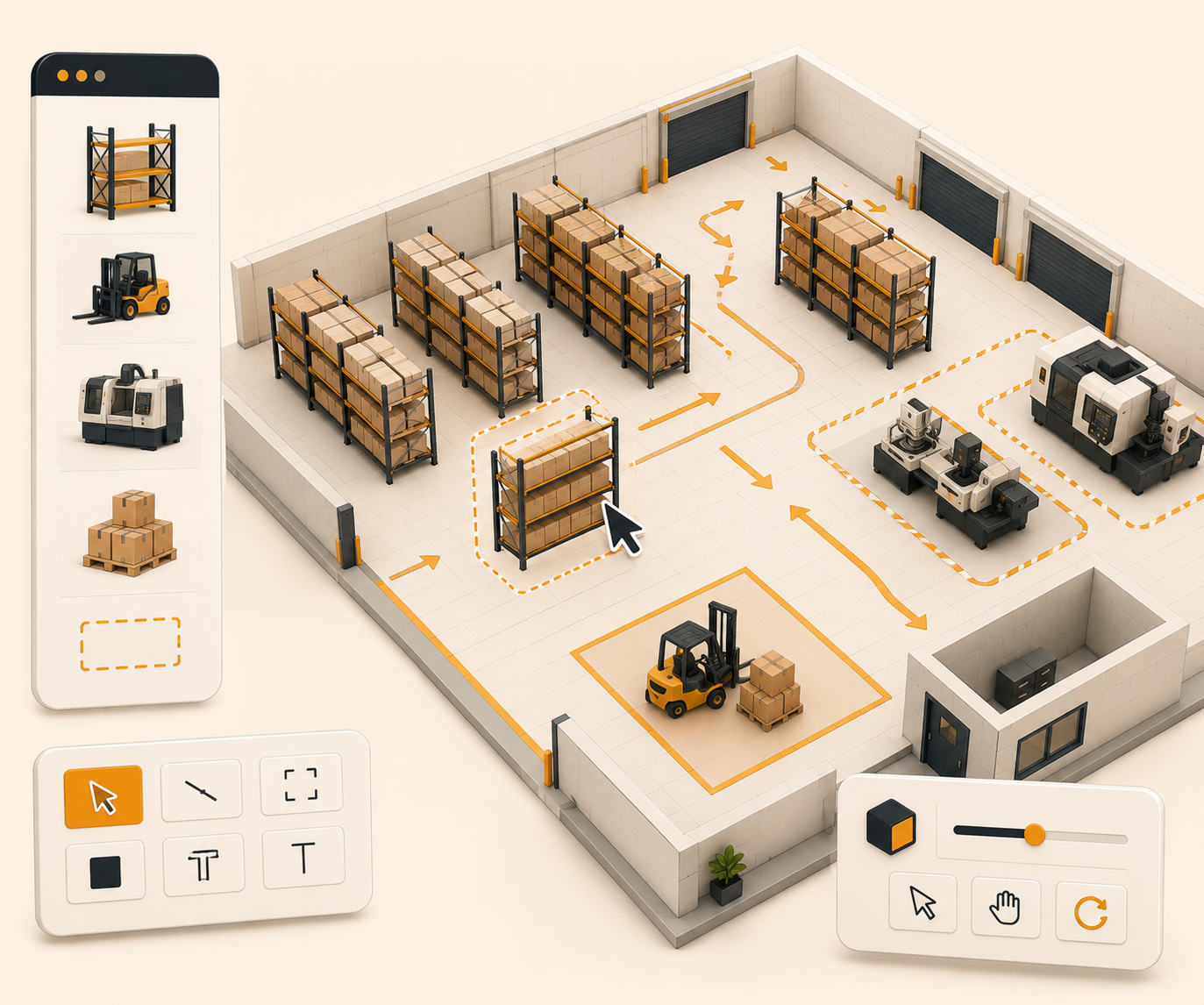
Scale from one warehouse to many without changing how you operate. Each location keeps its own layout while items stay in one workflow.
Follow these sequential steps in EquipRoute to execute your workflow smoothly and keep inventory accurate.
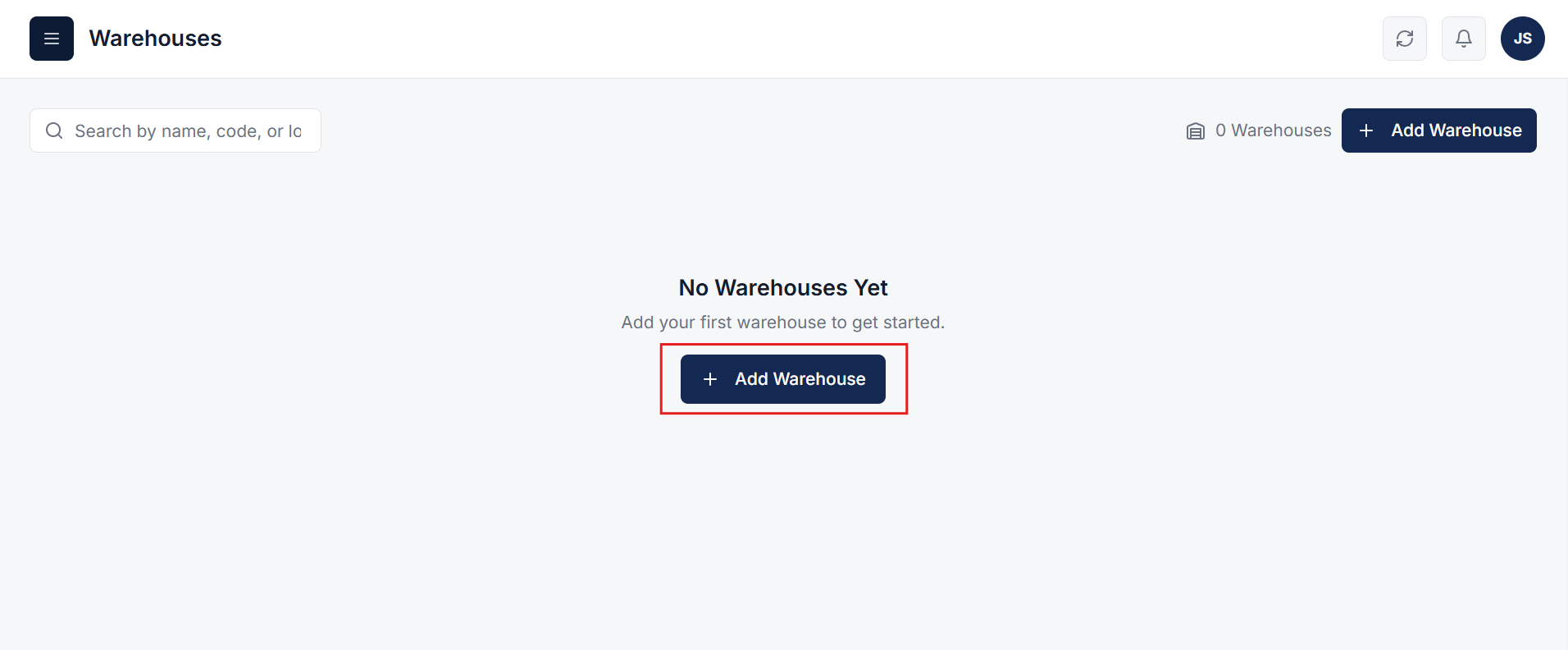
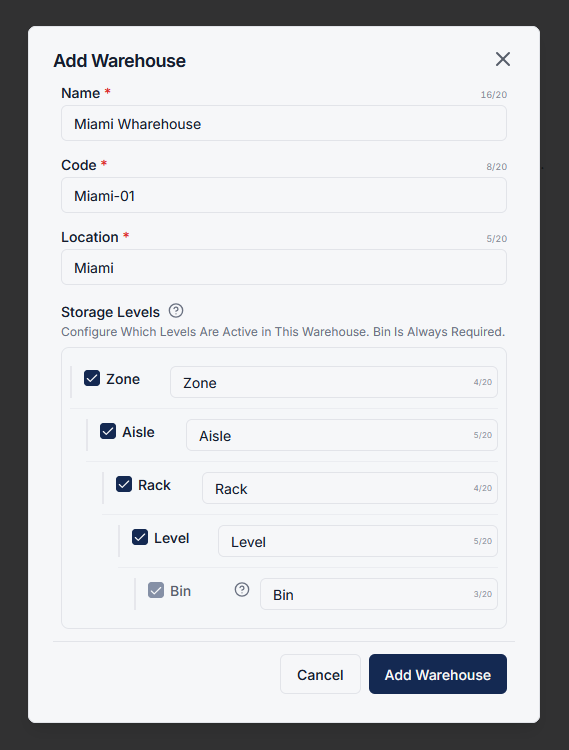
Navigate to the Warehouse section and click on the Add Warehouse button to begin creating a new warehouse.
A popup will appear where you can enter warehouse details such as name, code, and location. You can also configure storage levels based on your warehouse structure.
Once done, click on the Add Warehouse button to save.
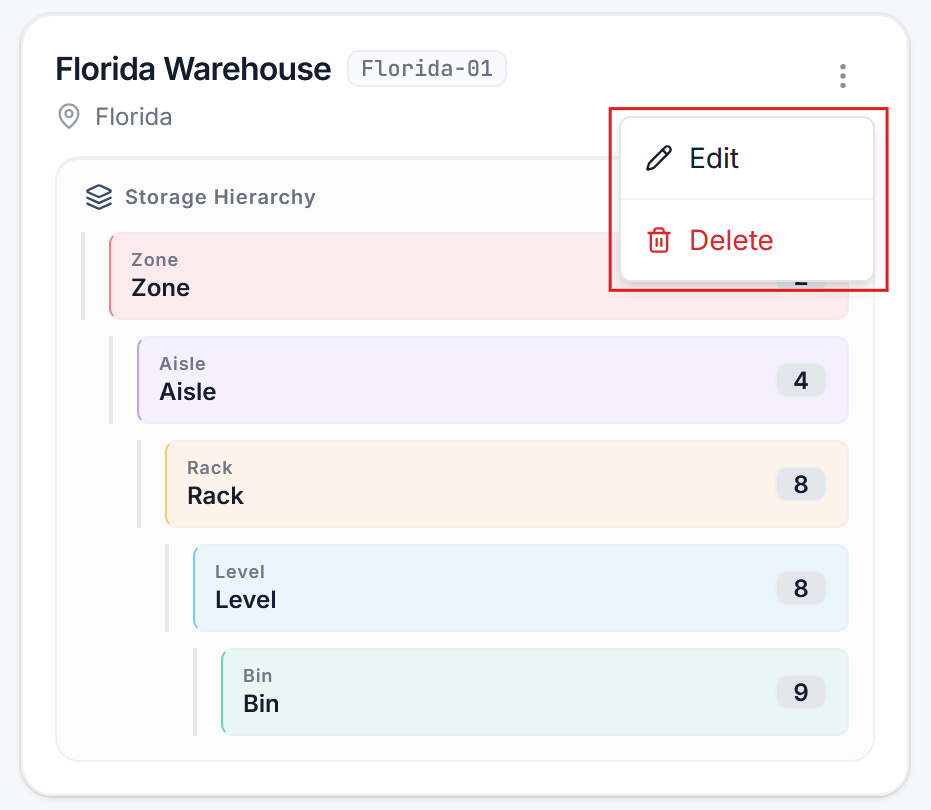
After creating a warehouse, you can easily:
This gives you full control over how your warehouse network is managed.
You can create and manage multiple warehouses within the same system. Each warehouse can have its own configuration while still being part of a unified workflow.
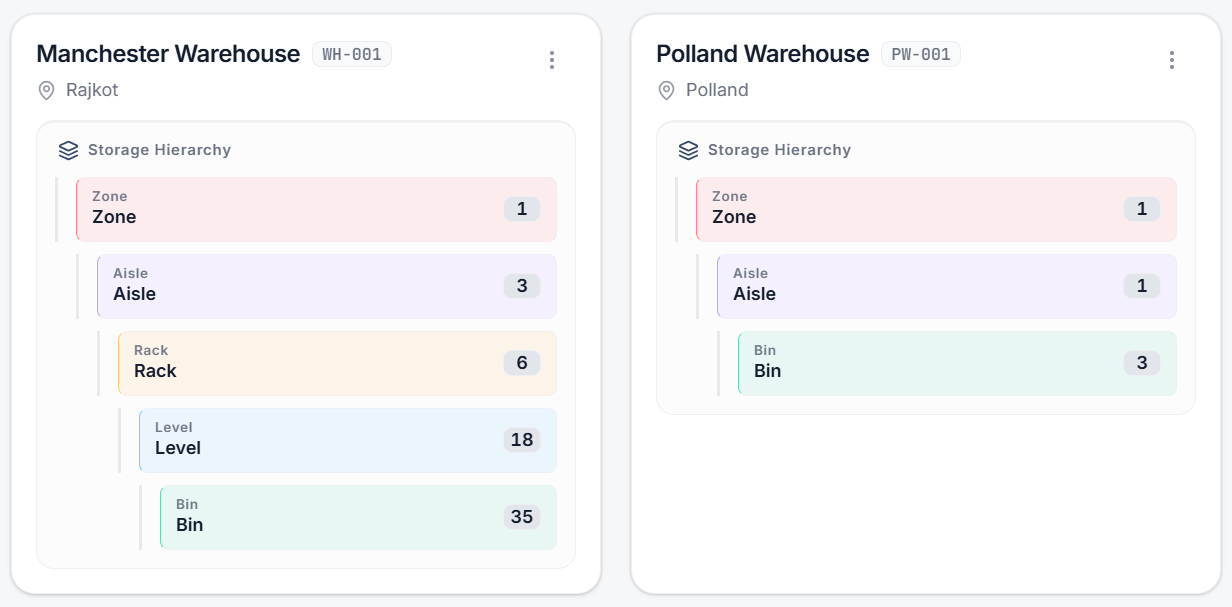
As your business grows, simply add new warehouses without changing your existing setup. Maintain consistent processes, visibility, and control across all locations.
Clear answers on how this feature integrates into your daily equipment workflow.
Yes. When you add a warehouse you set name, code, location, and which storage levels are active. One site can use zone through bin; another can keep a simpler structure.
No. Add the warehouse in EquipRoute. Staff work the same intake-to-delivery flow. Filter items and jobs by warehouse when you need one location at a time.

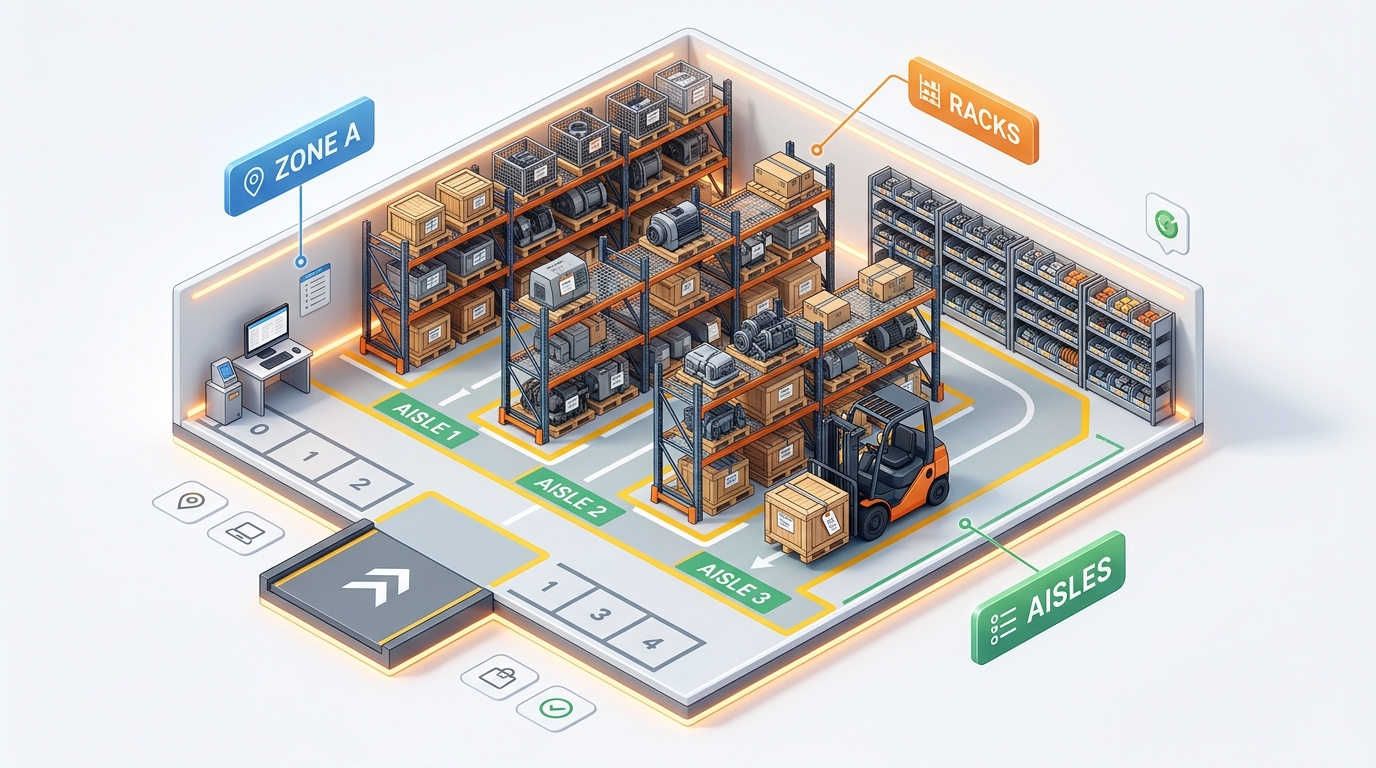
Stand up bins, racks, and aisles in one CSV import instead of adding them one by one.
See the whole flow, from consigner pickup through warehouse, listing, and delivery, in a personalized live demo.