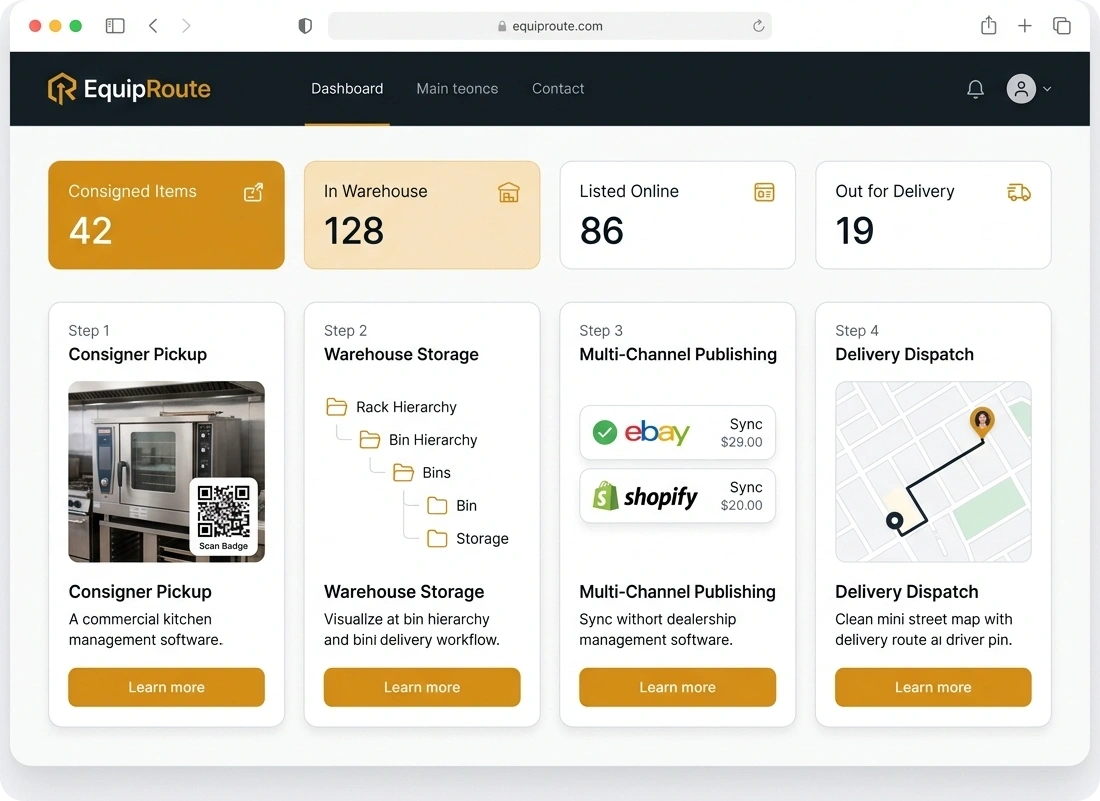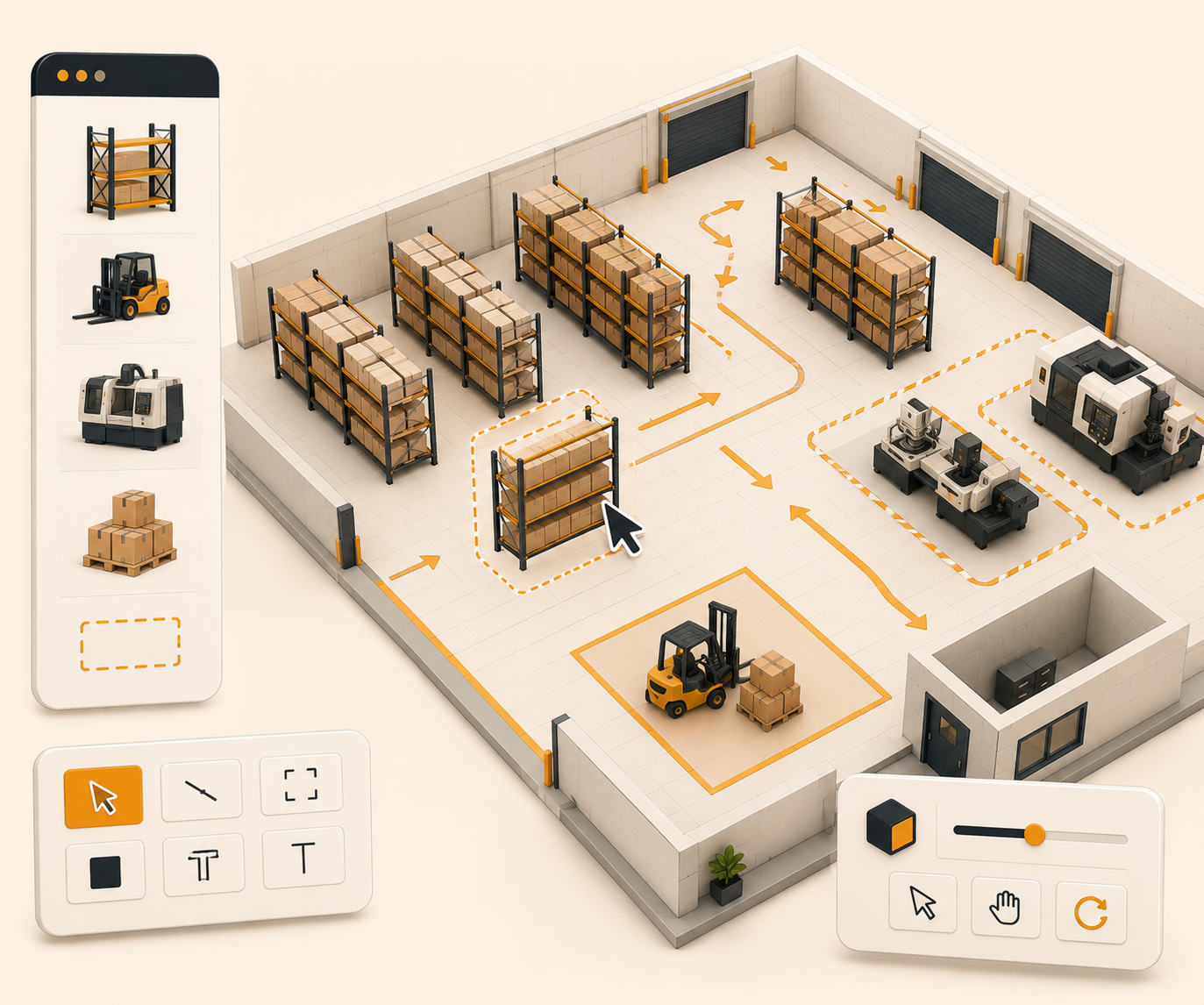

Inventory movement tracking
Track every item move across bins and warehouses. EquipRoute records who moved it, when, and what changed so audits and daily control use one history.
Follow these sequential steps in EquipRoute to execute your workflow smoothly and keep inventory accurate.
From the main navigation menu, go to Inventory and select the specific inventory item you wish to inspect. This opens the detailed view for that inventory item, displaying its status, location, attributes, and stock details.
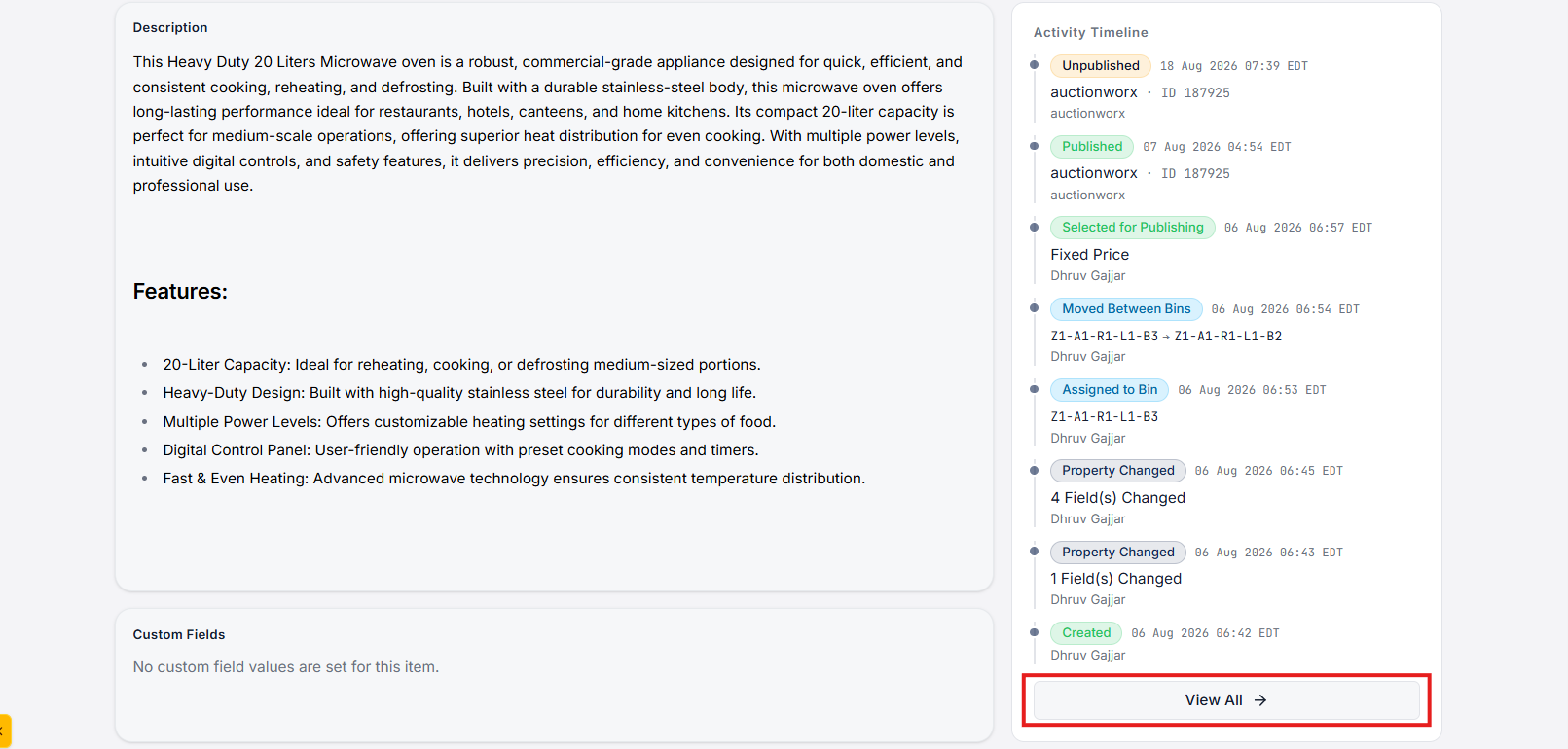
Scroll down to the Activity Timeline section at the bottom of the inventory details page. This section displays recent updates and log events related to the inventory item.
To view the complete audit log, click on the View All button. This will redirect you to the dedicated Inventory Activity Timeline page.
On the Inventory Activity Timeline page, you can monitor the full operational history of the selected item. Every event recorded in the system includes:
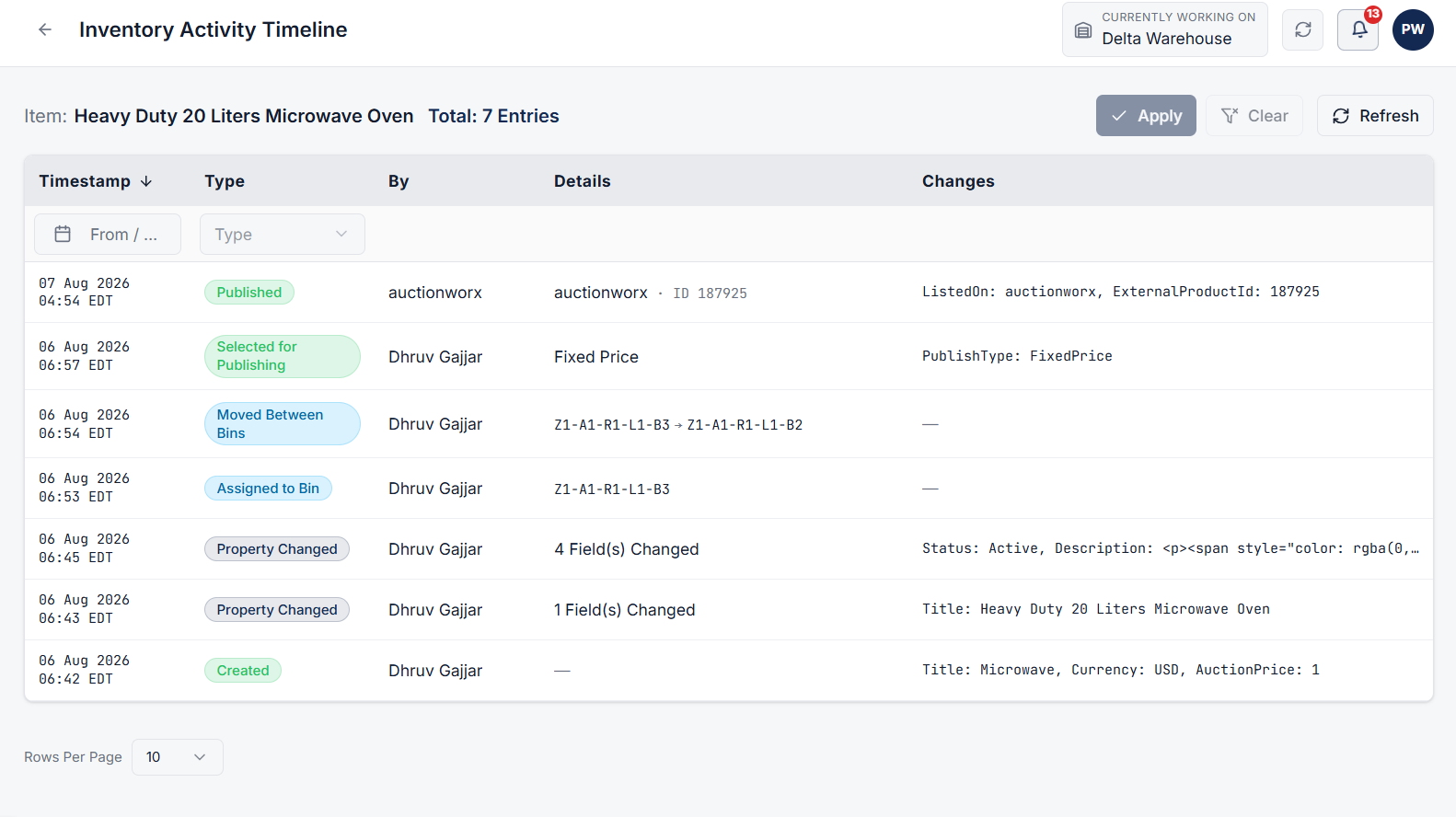
The activity timeline logs a wide variety of warehouse operations and state transitions, including:
Clear answers on how this feature integrates into your daily equipment workflow.
Yes. Each event on the timeline lists the timestamp, the user, and what changed, including bin moves, publishes, invoices, and packing.
Creation, pickup, updates, deletes, publish and unpublish, invoices, assignments, bin moves, packing, and image changes. The full list is on the item activity page.

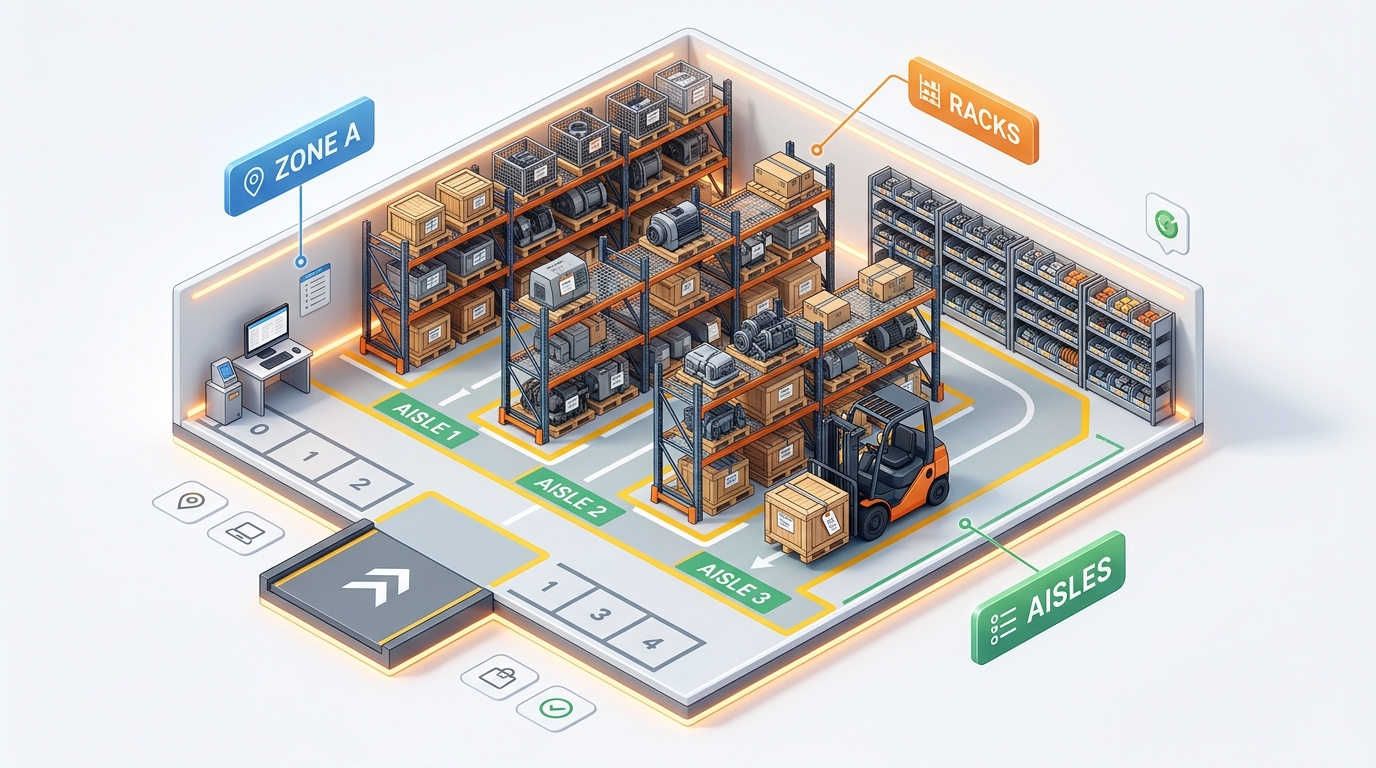
Stand up bins, racks, and aisles in one CSV import instead of adding them one by one.
See the whole flow, from consigner pickup through warehouse, listing, and delivery, in a personalized live demo.