
Customer pickup
Facilitate efficient customer order pickup procedures at the warehouse with real-time status updates.
Follow these sequential steps in EquipRoute to execute your workflow smoothly and keep inventory accurate.
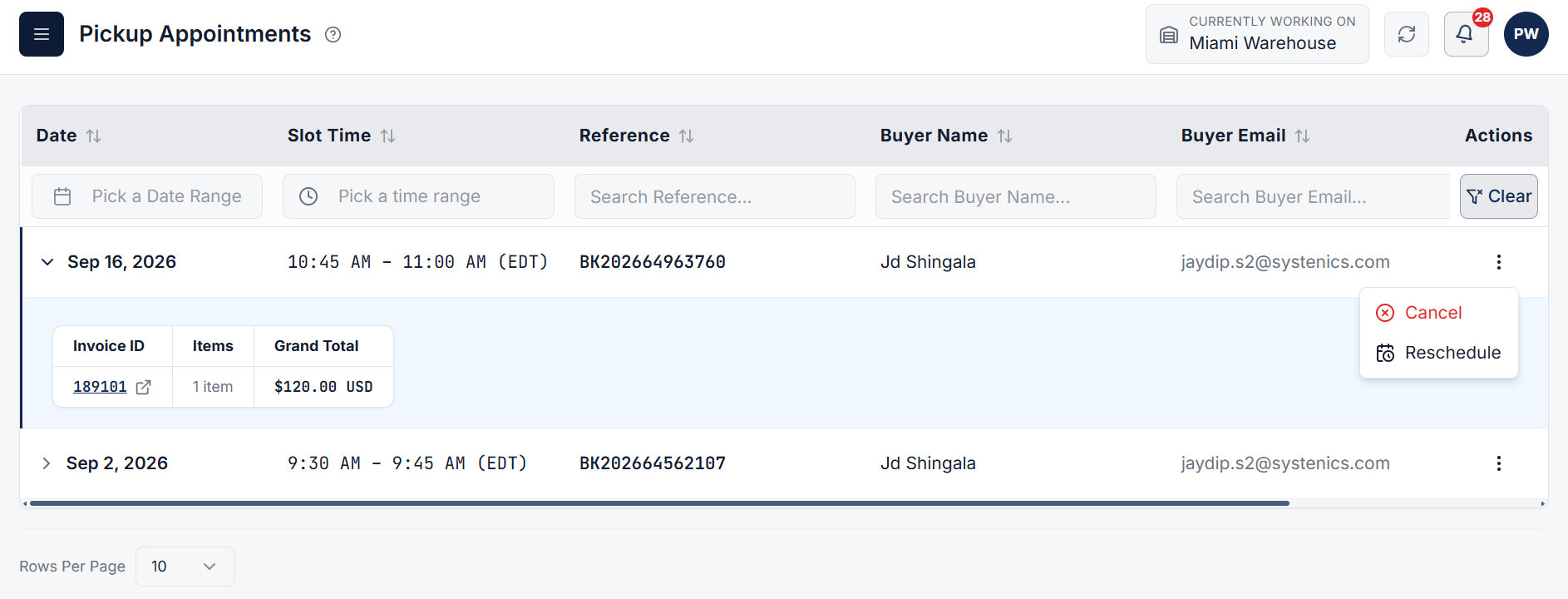
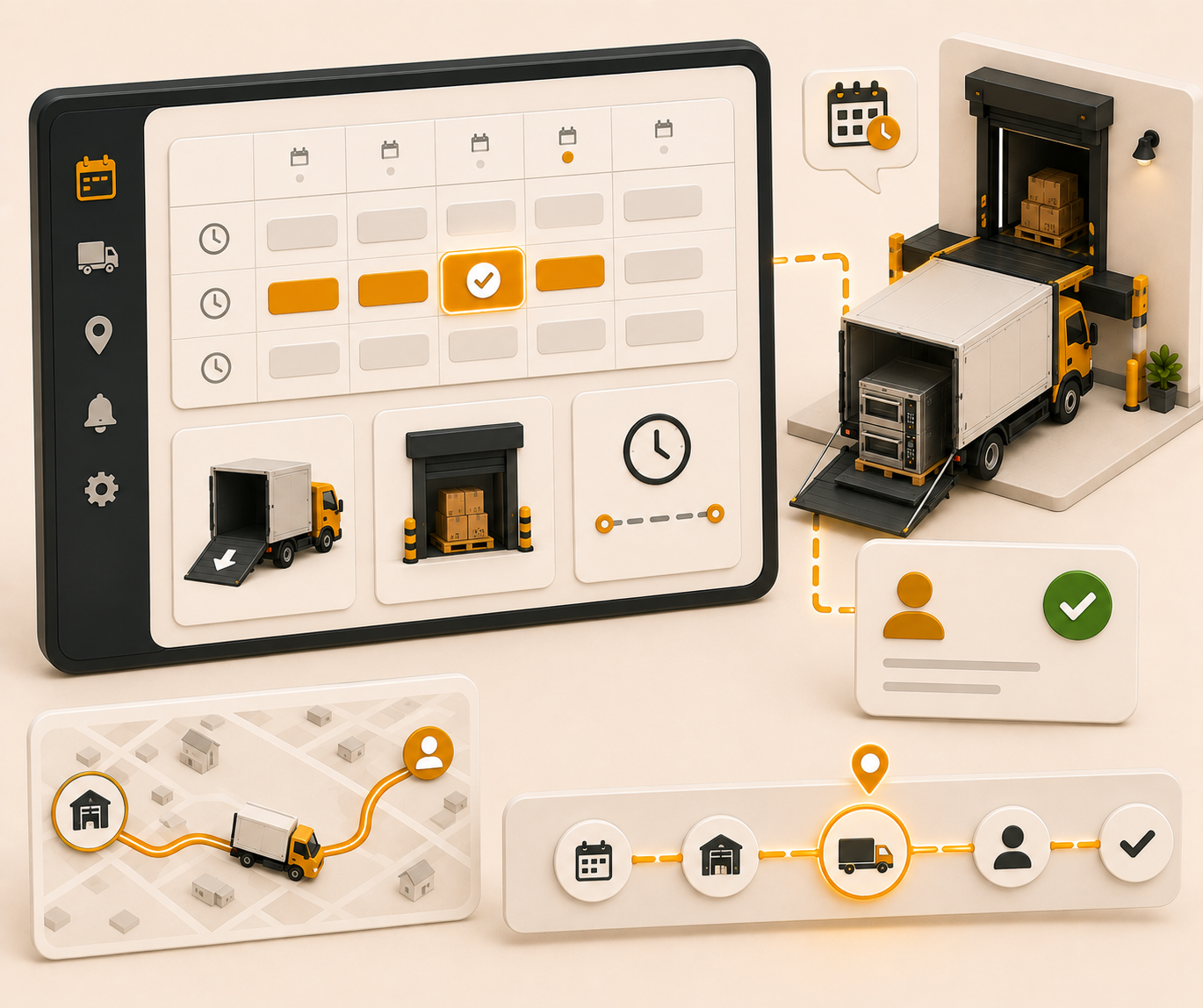
From the EquipRoute administration side, warehouse managers and operators can view all scheduled customer pickup appointments. Navigate to the Warehouse section and click on the Pickup Appointments page to monitor and manage all pickup appointments, including options to cancel or reschedule existing appointments.
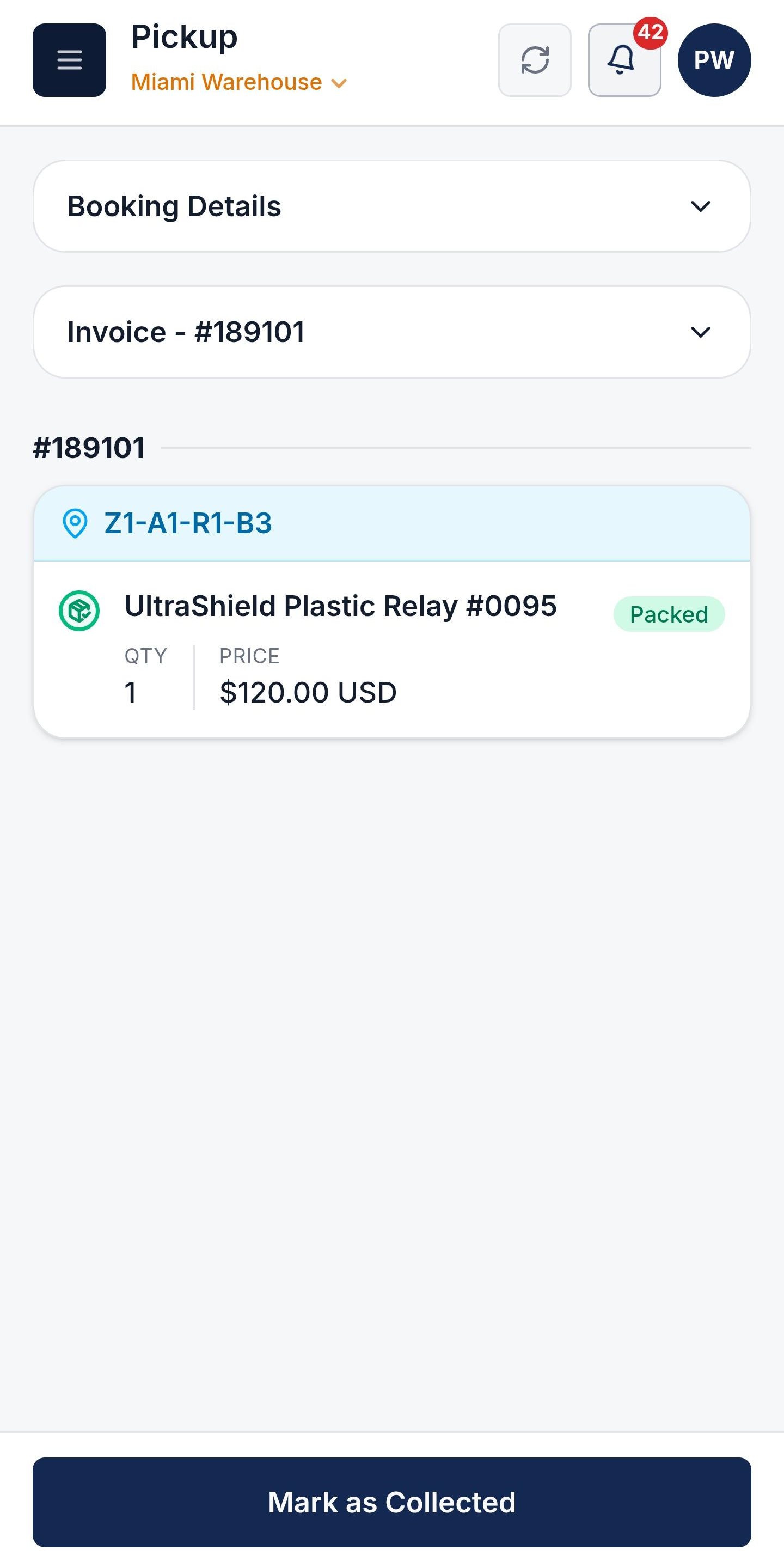
When the buyer arrives at the warehouse for item pickup:
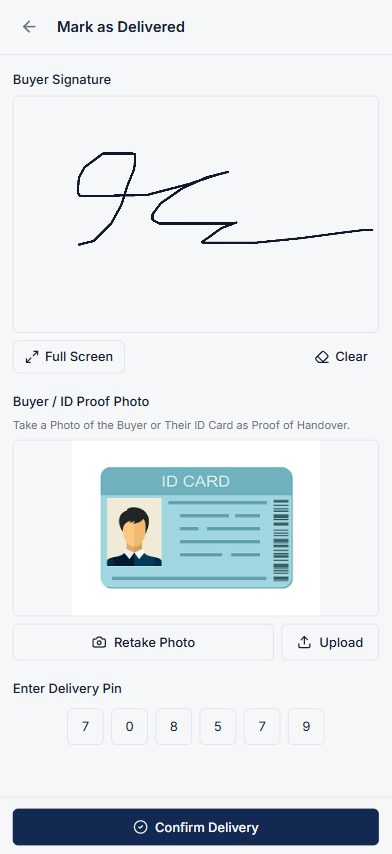
If required by system settings, enter or collect the requested verification details:
After entering the required verification details, click on the Confirm Delivery button to complete the pickup process.
Clear answers on how this feature integrates into your daily equipment workflow.
By scheduling staggered pickup time slots and staging machinery ahead of time, warehouse docks avoid unexpected walk-in rushes, forklift traffic jams, and loading bay bottlenecks.
They arrive in the booked slot. Staff scan the invoice QR, verify packed items, then collect a signature, ID photo, or PIN and confirm the pickup.
Staff can collect a buyer signature, an ID photo, or the delivery PIN from the pickup confirmation. Confirm Delivery stores that proof with the order.
Yes. From the Pickup Appointments dashboard, staff can cancel or reschedule appointments to prevent dock congestion.

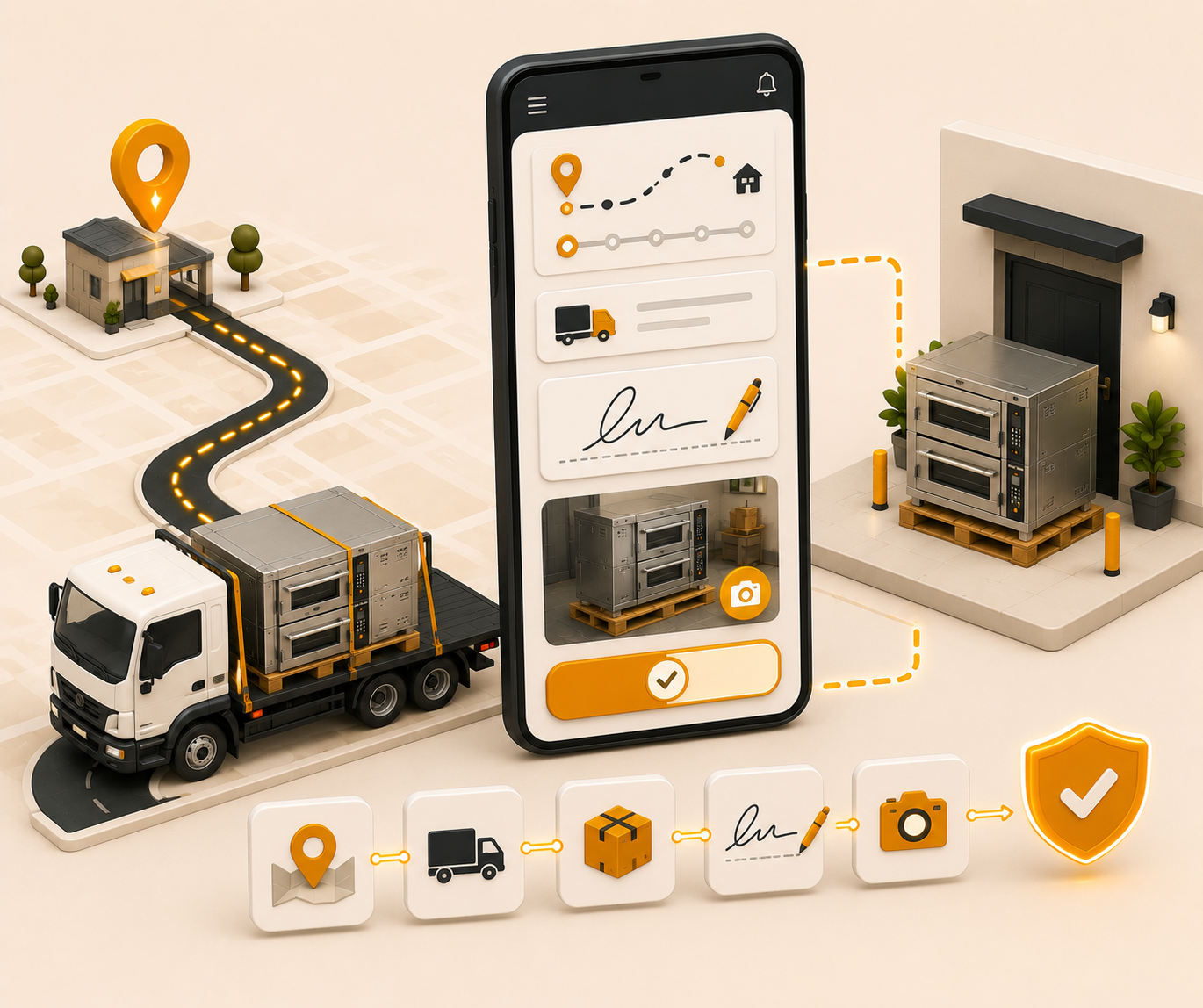
Driver delivery job management, notification alerts, status tracking, and PIN and signature delivery verification.

Book delivery slots, assign the driver, and keep dock jobs on one calendar.
See the whole flow, from consigner pickup through warehouse, listing, and delivery, in a personalized live demo.